
|
Do it yourself
| |||
| ||||


How to reset the oil service in the Mazda CX-5?
Model: Mazda CX-5
MK 2
- Years 2017-2024
In this tutorial we can see how to reset the oil service in the Mazda CX-5, an extremely simple and quick operation, to be carried out only after completing all scheduled maintenance work. Let's start by going inside the cabin, then insert the key and turn on the instrument panel. Next, we reach the general menu on the central display, enter "Applications", "Vehicle Status Monitor", "Maintenance", "Oil Change", and reset using the appropriate option. To complete the procedure, simply restart the vehicle.
Posted on 27 November 2024 by ScegliAuto
Video tutorial
Related tutorials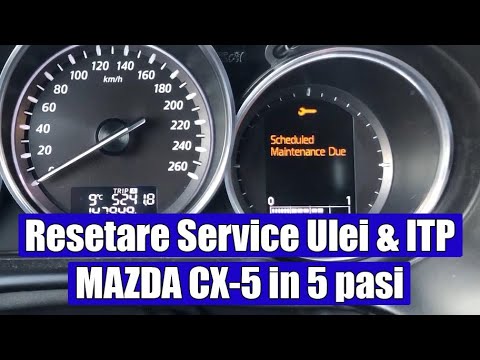
Mazda CX-5
(2012-2017 /
MK 1, KE)
As you can see in this tutorial, resetting the service light on a Mazda CX-5 is an extremely simple and quick operation. Before proceeding, ensure yo…
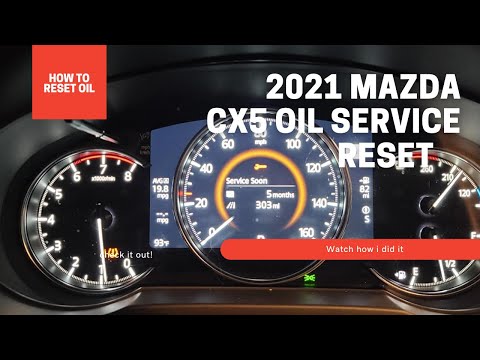
Mazda CX-5
(2017-2024 /
MK 2)
In this tutorial, we will see how to reset the oil service light on a Mazda CX-5, a very simple and quick operation to perform only after completing …

Mazda CX-5
(2012-2017 /
MK 1, KE)
Resetting the oil service in the Mazda CX-5, as we can see in this tutorial, is an extremely simple and quick operation. Before proceeding, we must h…
Other guides you may be interested in
|
How to Check the Oil Level on a Jeep Renegade?
To check the oil level on a Jeep Renegade, you need to open the bonnet to access the components inside the engine bay: on the lower left side of the engine block, you will find the dipstick for checking the level. This should be pulled out and thoroughly cleaned with a cloth: once cleaned, reinsert it back into its tube and pull it out immediately after. This way, you can check that the oil mark is between the minimum and maximum levels; finally, you can place the dipstick back in its tube. by ScegliAuto More videos
|
|
For advertising on this site Write to info@scegliauto.com
ScegliAuto is not responsible for any inaccuracy of the data in the lists. To report any inaccuracy or your business (if you own the business in question), please write to info@scegliauto.com
Number of seconds to generate the page: 0.511
(c) ScegliAuto 2026 - info@scegliauto.com - Privacy policy VAT number: IT01247470535 |
