
|
Do it yourself
| |||
| ||||


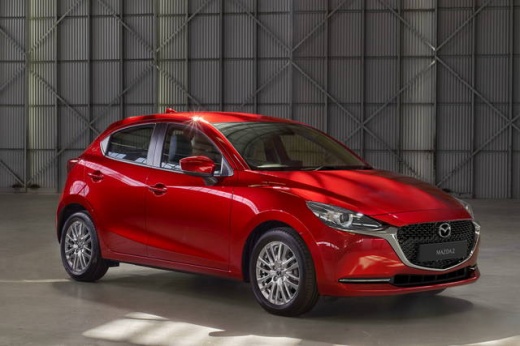
How to Replace the Battery in a Mazda 2?
Model: Mazda 2
DJ, MK 3
- Years:
2014, 2015, 2016, 2017, 2018, 2019, 2020, 2021, 2022, 2023
Video tutorial
Replacing the battery in a Mazda 2 is an extremely simple task that anyone can do. Grab a 10mm spanner and start by unscrewing the two nuts that hold the battery hold-down bracket in place. Using the same spanner, unscrew the nut that secures the negative terminal, followed by the positive terminal. Remove the cover protecting the battery, and at this point, it is ready to be lifted out and replaced. The installation will be equally simple; just reinsert the cover, secure the battery with the bracket and respective nuts, and finally reconnect the terminals, first the positive and then the negative.
Updated on 24 April 2026 by ScegliAuto
Related tutorials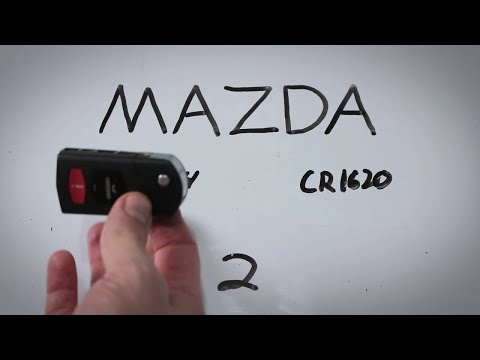
Mazda 2
(2007-2014 /
DH, MK 2, DE)
To replace the battery in the remote for the Mazda 2, press the button that allows you to lift the key, then use a screwdriver to pry open its housin…
Mazda 2
(2007-2014 /
DH, MK 2, DE)
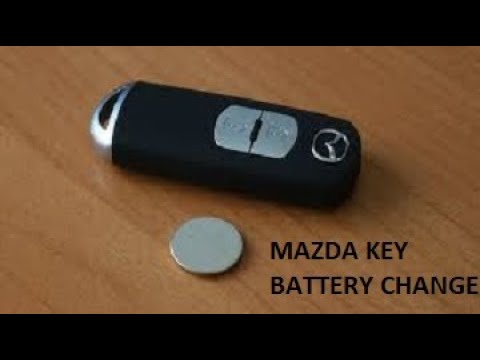
To replace the battery in the remote control for the Mazda 2, use a thin object as a lever to separate the two halves of the device: this will allow …
Mazda 2
(2007-2014 /
DH, MK 2, DE)
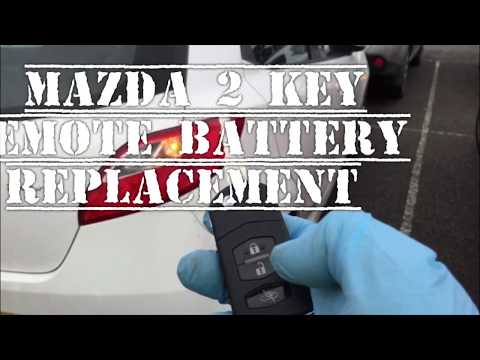
To replace the battery in the key fob of a Mazda 2, lift the key to leverage it inside its housing. This will allow you to completely detach the key …
Other guides you may be interested in |
How to Change the Time on the Peugeot 208
Today's guide will show you how to set the clock on the Peugeot 208's onboard computer, following the instructions below. First, get in the car and turn on the instrument panel; then press and hold the settings button on the panel for a few seconds until the time starts to flash, as shown in the video. At this point, press the left button to correctly set the time, adjusting the hour first and then the minutes; exit the onboard computer menu to save all the changes made! by ScegliAuto More videos
|
|
For advertising on this site Write to info@scegliauto.com
ScegliAuto is not responsible for any inaccuracy of the data in the lists. To report any inaccuracy or your business (if you own the business in question), please write to info@scegliauto.com
Number of seconds to generate the page: 0.041
(c) ScegliAuto 2026 - info@scegliauto.com - Privacy policy VAT number: IT01247470535 |
