
|
Do it yourself
| |||
| ||||


Installing a Mobile Phone
Model: Mazda 3
BK, MK 1
- Years:
2003, 2004, 2005, 2006, 2007, 2008, 2009
Video tutorial
The following guide shows you how to install a mobile phone in your car using a bracket. First, fix the bracket to the radio. Remove the bolts securing the radio in place, attach the bracket, and reassemble. For this task, you will need tools such as a set of spanners, a screwdriver, a mounting bracket, and an electronic device adapter. By doing it this way, you can complete the job very neatly without having to drill holes in the car's bodywork.
Updated on 9 February 2026 by ScegliAuto
Related tutorials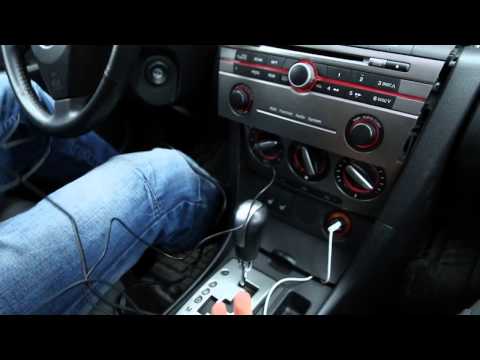
Mazda 3
(2003-2009 /
BK, MK 1)
This guide is for those who want to install Bluetooth in their car. Anyone can do it. First, ensure you have the Bluetooth kit you intend to install …
Mazda 3
(2003-2009 /
BK, MK 1)
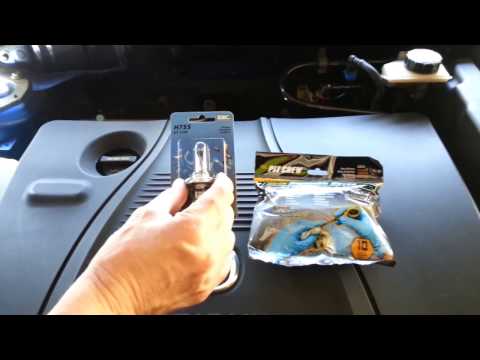
Installing the front headlamp bulb is a fairly simple task. Remove the bolt at the front of the front wing, disconnect the headlamp connector, and pu…

Mazda 3
(2009-2013 /
BL, MK 2)
Replacing the interior lights with LED ones will give the vehicle a much more modern and appealing look while improving visibility. The replacement i…
Other guides you may be interested in |
How to Set the Clock on a Renault Master 3
This guide shows you how to set a new time on a Renault Master 3. Start by turning on the instrument cluster of the vehicle without starting the engine. Next, using the end of the right-hand steering column stalk, scroll through the options on the display until you reach 'set time', then press the down arrow button to make the displayed time blink. Once this is done, press and hold the down arrow button to change the hour, which you can adjust using the two arrow buttons at the end of the stalk. Once the correct hour is set, press and hold the down arrow button again to move to the minutes. After setting the correct time, restart the vehicle. by ScegliAuto More videos
|
|
For advertising on this site Write to info@scegliauto.com
ScegliAuto is not responsible for any inaccuracy of the data in the lists. To report any inaccuracy or your business (if you own the business in question), please write to info@scegliauto.com
Number of seconds to generate the page: 0.021
(c) ScegliAuto 2026 - info@scegliauto.com - Privacy policy VAT number: IT01247470535 |
