
|
Do it yourself
| |||
| ||||


How to Install a Dashcam on a Mazda CX-5
Model: Mazda CX-5
MK 2
- Years 2017-2024
In this tutorial, you will see how to install a dashcam in a Mazda CX-5: the first step is to purchase a dashcam (Garmin) from Amazon or other online sales sites. Next, get into the vehicle and remove the contents from the box. If you look behind the rear-view mirror, you should see a power supply and two panels behind it; now tilt the rear-view mirror for better access. To reach the connector, you need to remove the panel. Using a simple plastic tool to avoid scratching the panel, remove the first and second panels. The connector needed to connect the dashcam is located here. Disconnect the connector and connect the dashcam's connector. Now also connect the dashcam's cable (USB) to the connector, and you're done. Start the vehicle to check the correct functioning of the dashcam.
Updated on 19 May 2026 by ScegliAuto
Video tutorial
Related tutorials
Mazda CX-5
(2017-2024 /
MK 2)
To install a dashcam in a Mazda CX-5, start by choosing the best position: usually behind the central rear-view mirror. Clean the windscreen thorough…
Mazda CX-5
(2017-2024 /
MK 2)
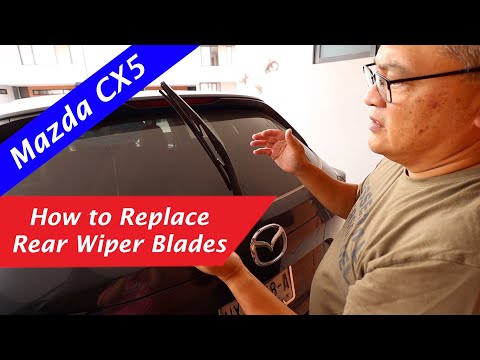
Today, in this video tutorial, see how to remove and replace the rear wiper blade of the Mazda CX-5. First, move to the back of your car and start by…

Mazda CX-5
(2012-2017 /
MK 1, KE)
Today's guide will illustrate the steps to remove and replace the serpentine belt on a Mazda CX-5 2.5L Skyactiv. First, lift the vehicle and begin by…
Other guides you may be interested in
|
How to reset the tyre pressure warning light on the Suzuki Jimny?
To reset the tyre pressure warning light on the Suzuki Jimny, first inflate the tyres to the pressure value indicated on the corresponding sticker: this is located at the bottom of the driver's door pillar. Once the tyres are inflated, insert the ignition key and turn on the instrument panel: select the screen that indicates the tyre pressures, checking that the values change. After a few seconds, the tyre pressure warning light will automatically turn off. by ScegliAuto More videos
|
|
For advertising on this site Write to info@scegliauto.com
ScegliAuto is not responsible for any inaccuracy of the data in the lists. To report any inaccuracy or your business (if you own the business in question), please write to info@scegliauto.com
Number of seconds to generate the page: 0.277
(c) ScegliAuto 2026 - info@scegliauto.com - Privacy policy VAT number: IT01247470535 |
