
|
Do it yourself
| |||
| ||||


TCS system reset for Mazda CX7.
Model: Mazda Cx7
MK 1
- Years 2006-2012
In this video, we see that if there is a power interruption on the Mazda Cx7, for example following the replacement of the battery, it may happen that the TCS system light comes on in the instrumentation; if this were to happen, we proceed to reset the traction control. We sit in the driver's seat, start the engine with the gear in neutral, turn the steering wheel clockwise until it reaches the end, then turn it completely counterclockwise, bring it back to the center and turn off the car. Upon the next restart, the light on the dashboard will confirm that the reset has been successful.
Posted on 4 March 2024 by ScegliAuto
Video tutorial
Related tutorials
Mazda Cx7
(2006-2012 /
MK 1)
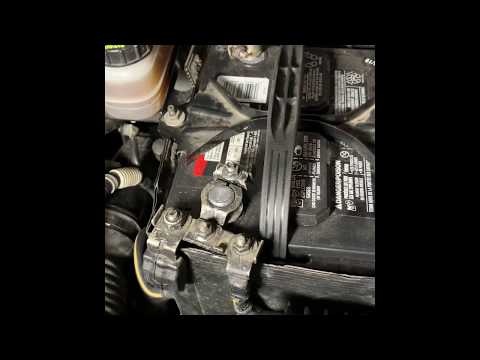
To replace the battery of the Mazda CX7, you will need to open the hood to gain access to the components located inside the engine compartment. In th…
Mazda Cx7
(2006-2012 /
MK 1)
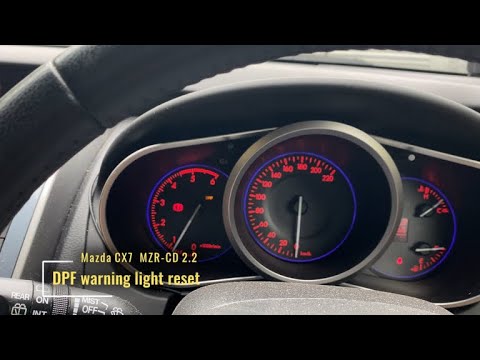
In order to reset the Mazda CX7 particulate filter warning light, you must turn off the instrument cluster and connect a wire from the top terminal o…
Mazda Cx7
(2006-2012 /
MK 1)
How to carry out maintenance on our car? This video explains how to replace the Mazda Cx7 battery. We lift up the front hood, releasing the locking l…
Other guides you may be interested in
|
How to Change the Fog Light Bulb on a BMW 3 Series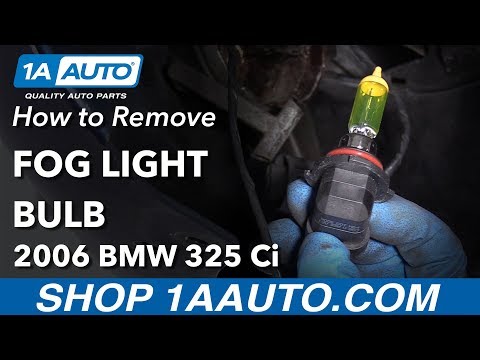
Watch this video to learn how to replace the fog light bulb on a BMW 3 Series. Once you lift the car with a column lift and remove the wheel, prepare to take off the splash shield around the side fender of the car. Remove the plastic rivets with a metal pry tool, then unscrew the pins and the underbody of the bumper. Now that you have access to the back of the fog light, remove the damaged bulb and install a new one (same size and voltage). Reinstall the lower panel and the splash shield under the vehicle. Test the lights to ensure they work properly. by ScegliAuto More videos
|
|
For advertising on this site Write to info@scegliauto.com
ScegliAuto is not responsible for any inaccuracy of the data in the lists. To report any inaccuracy or your business (if you own the business in question), please write to info@scegliauto.com
Number of seconds to generate the page: 0.126
(c) ScegliAuto 2026 - info@scegliauto.com - Privacy policy VAT number: IT01247470535 |
