
|
Do it yourself
| |||
| ||||


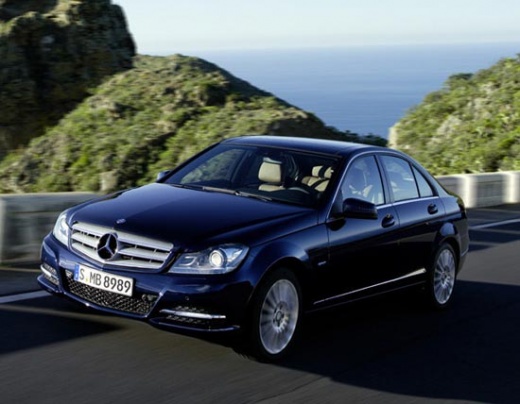
How to replace the bulbs of the rearview mirror of the Mercedes C-Class W204
Model: Mercedes Classe C
W204
- Years:
2007, 2008, 2009, 2010, 2011, 2012, 2013
Video tutorial
Let's see how to change the bulb of the rearview mirror in a Mercedes C-Class W204 version: we will simply need a screwdriver, with which to lever in the appropriate slot on the short side of the light fixture, which will come off very easily. Here we find our bulb, and we can remove it with our hands, if it is not too hot. Just remember that, when we put the new one back in place, we should not touch it with bare hands, or we would limit its lifespan. This also applies if we decide to replace it with an LED. Put on a pair of disposable gloves and then put the transparent part of the light fixture back in place.
Posted on 17 January 2025 by ScegliAuto
Related tutorials
Mercedes Classe C
(2007-2013 /
W204)
Using the following video tutorial, learn how to replace the turn signal in the Mercedes C-Class model W204 side mirror. First, use the internal cont…

Mercedes Classe C
(2007-2013 /
W204)
.. bulbs of the overhead lights in the Mercedes C-Class W204. First, get inside the car and remove the central overhead light using a thin plastic trim.. …

Mercedes Classe C
(2007-2013 /
W204)
These simple steps will guide you through the process of removing and replacing the light in the external rearview mirror of the Mercedes C-Class. Fi…
Other guides you may be interested in |
How to reset the tyre pressure warning light on the Kia Niro EV?
To reset the tyre pressure warning light on the Kia Niro EV, inflate the tyres until they reach the correct pressure value. This value is indicated on the sticker attached to the driver's door pillar. Once the tyres are inflated, turn on the instrument cluster to check that the warning light has completely disappeared from the display. If it is still present, you may need to drive for a few miles to ensure it disappears completely from the screen. by ScegliAuto More videos
|
|
For advertising on this site Write to info@scegliauto.com
ScegliAuto is not responsible for any inaccuracy of the data in the lists. To report any inaccuracy or your business (if you own the business in question), please write to info@scegliauto.com
Number of seconds to generate the page: 0.015
(c) ScegliAuto 2026 - info@scegliauto.com - Privacy policy VAT number: IT01247470535 |
