
|
Do it yourself
| |||
| ||||



What does the "service A5" indicator mean and how to reset it on the Mercedes C-Class?
Model: Mercedes Classe C
W204
- Years:
2007, 2008, 2009, 2010, 2011, 2012, 2013
Video tutorial
The information in this guide will show us the meaning of the "service A5" light that appears on the display of the instrument panel of the Mercedes C-Class. The service light with code A5 indicates that various routine maintenance checks are overdue and late by the days shown on the instrument panel; it is important to specify that the types of checks vary from the replacement of the engine oil to the verification of all the liquids present for the correct functioning of the engine and braking system, as shown in the video. We can reset the light using a diagnostic tool.
Posted on 16 March 2025 by ScegliAuto
Related tutorials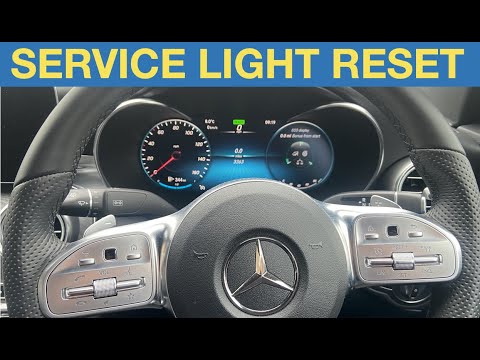
Mercedes Classe C
(2014-2021 /
W205)
.. sit in the driver’s seat of your Mercedes C-Class. Start by activating the instrument cluster by pressing the ignition button. Next, open the vehicle s.. …
Mercedes Classe C
(2007-2013 /
W204)
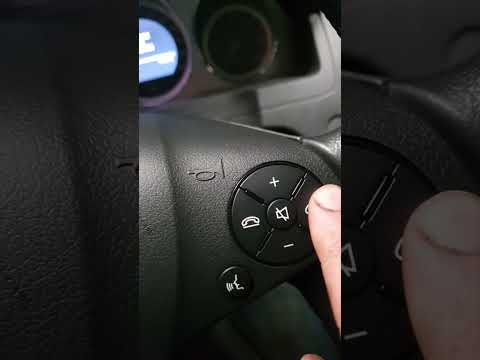
.. the "Service" light on your Mercedes-Benz C-Class. Start by turning on the vehicle and checking that the "Service" indicator is visible on the display... …
Mercedes Classe C
(2014-2021 /
W205)
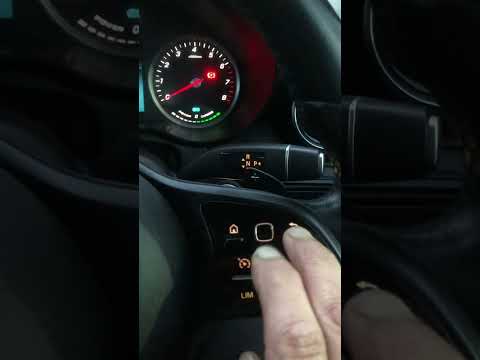
..o reset the "Service" light on our Mercedes C-Class. Start by sitting in the driver’s seat, then turn on the ignition by pressing the start button. Nex.. …
Other guides you may be interested in
|
How to Set the Time on a Mercedes Vito Van?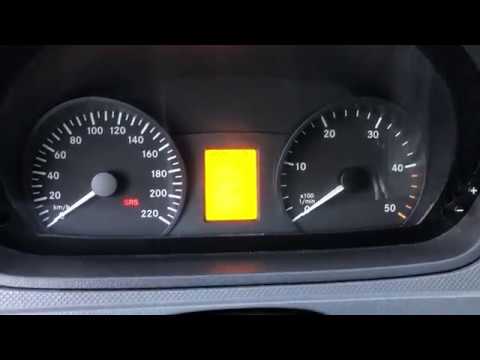
In this tutorial, you can see how to set the time on a Mercedes Vito van, an extremely simple and quick operation, for example, after replacing the battery or after switching to daylight saving time. First, insert the key and turn on the instrument cluster, then repeatedly press the "M" button located to the left of the dashboard until you reach the screen displaying the time in flashing mode. At this point, adjust the hour using the "+" and "-" buttons located on the opposite side, switch to minutes using the "O" button, and finally save the setting. by ScegliAuto More videos
|
|
For advertising on this site Write to info@scegliauto.com
ScegliAuto is not responsible for any inaccuracy of the data in the lists. To report any inaccuracy or your business (if you own the business in question), please write to info@scegliauto.com
Number of seconds to generate the page: 0.047
(c) ScegliAuto 2026 - info@scegliauto.com - Privacy policy VAT number: IT01247470535 |
