
|
Do it yourself
| |||
| ||||



How to Change the Clock Style on the Display of Our Mercedes
Model: Mercedes Classe M
W166
- Years:
2011, 2012, 2013, 2014, 2015, 2016, 2017, 2018
Video tutorial
This procedure is performed on Mercedes with the Comand Online system based on the W166 platform, accessing the "engineering mode". If you change a wrong setting, the system may not return to normal (not even from the dealer), so note down carefully what you have changed. Turn on the ignition and simultaneously press: the "end call" button, button "1", and the "#" button for 7/10 seconds. Use the central rotary controller: scroll down clockwise; by pressing the controller, select; pulling the controller back, go to the next page. The path to follow is: hardware setting/HU parameters/analog clock (page 46). Select "analog clock" and choose "type 1" (original ML), "type 2" (S-Class style clock); "type 3" (another version). Go back to the main screen of "engineering mode", select "end", and restart the system by holding the "ON" button for about 8 seconds. The new clock style will be active within 5 minutes of restarting.
Posted on 18 April 2026 by ScegliAuto
Related tutorials
Mercedes Classe M
(2005-2011 /
W164)
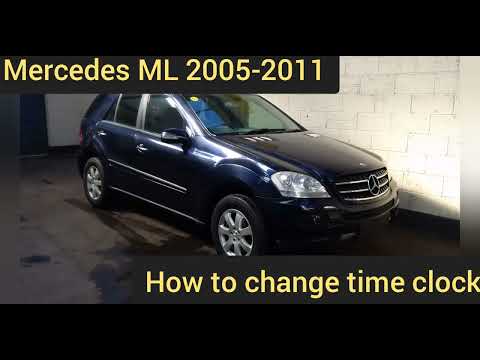
Below we will see the instructions that will allow us to change the time on the central display and on the instrument panel of the Mercedes Class M. …
Mercedes Classe M
(2005-2011 /
W164)
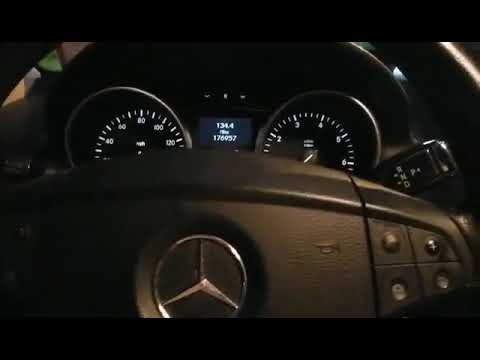
To change the clock on the Mercedes ML W164, start by turning on the ignition. Next, switch on the radio, press the "service" button, then press the …
Mercedes Classe M
(2005-2011 /
W164)
In this video tutorial, follow the steps to adjust the clock on the Mercedes ML. First, get inside the vehicle and turn on the ignition; then, activa…
Other guides you may be interested in
|
How to reset the tyre pressure warning light on the Kia Niro EV?
To reset the tyre pressure warning light on the Kia Niro EV, inflate the tyres until they reach the correct pressure value. This value is indicated on the sticker attached to the driver's door pillar. Once the tyres are inflated, turn on the instrument cluster to check that the warning light has completely disappeared from the display. If it is still present, you may need to drive for a few miles to ensure it disappears completely from the screen. by ScegliAuto More videos
|
|
For advertising on this site Write to info@scegliauto.com
ScegliAuto is not responsible for any inaccuracy of the data in the lists. To report any inaccuracy or your business (if you own the business in question), please write to info@scegliauto.com
Number of seconds to generate the page: 0.084
(c) ScegliAuto 2026 - info@scegliauto.com - Privacy policy VAT number: IT01247470535 |
