
|
Do it yourself
| |||
| ||||


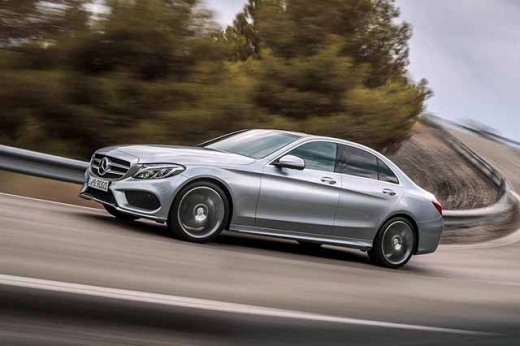
Removing the Trunk Lid on Mercedes C-Class
Model: Mercedes Classe C
W205
- Years:
2014, 2015, 2016, 2017, 2018, 2019, 2020, 2021
Video tutorial
Use a plastic trim tool (not metal!) to remove the upper plastic cover of the handle, which is divided into two parts. Underneath, you will find the two clips that you need to remove. Now detach the entire plastic piece that was attached to the handle and disconnect the connectors by pressing and pulling the tab. With the same trim tool, remove the large plastic structure that serves as the panel for the trunk lid. Disconnect the connector and remove the two screws of the latch to take it out. Install the new parts in reverse order: the job takes some time but is extremely simple.
Updated on 1 April 2026 by ScegliAuto
Related tutorials
Mercedes Classe C
(2007-2013 /
W204)
.. brake light and its bulbs on the Mercedes C-Class. First, open the trunk and lower the seats to remove the trunk panel. Next, remove the third brake.. …

Mercedes Classe C
(2007-2013 /
W204)
.. replace the license plate bulb on the Mercedes C-Class, open the trunk to access the rivets securing the inner trim. Once all rivets are removed, detach.. …

Mercedes Classe C
(2007-2013 /
W204)
.. replace the license plate bulbs on a Mercedes C-Class. First, open the trunk and start unscrewing the screws of the plastic cover for the lights; then.. …
Other guides you may be interested in |
How to Reset the Tire Pressure Light on a MG ZS?
On the instrument cluster of the MG ZS, the tire pressure light that appears can be reset by inflating the tires to the correct pressure: this value will be indicated on the sticker attached to the driver's door pillar. Once the tires have been properly inflated, you can turn on the instrument cluster and navigate through the menu until you find the option that indicates tire pressure: if this screen shows the new values, the light will turn off; otherwise, you will need to drive for a few miles so that the sensors can read the new values and turn off the light afterward. by ScegliAuto More videos
|
|
For advertising on this site Write to info@scegliauto.com
ScegliAuto is not responsible for any inaccuracy of the data in the lists. To report any inaccuracy or your business (if you own the business in question), please write to info@scegliauto.com
Number of seconds to generate the page: 0.021
(c) ScegliAuto 2026 - info@scegliauto.com - Privacy policy VAT number: IT01247470535 |
