
|
Do it yourself
| |||
| ||||


How to Replace the Brake Disc and Pad Kit on a MERCEDES W201
Model: Mercedes 190
W201
- Years 1982-1993
Today, thanks to our video tutorial, you will learn how to remove the brake discs from a Mercedes-Benz 190, model W201. Start by removing the front tyres using a 17mm spanner to loosen the bolts. Continue by lifting the car and completely removing the tyre. Using a 15mm spanner, remove the fastening elements of the brake caliper and thus take out the brake pads. With a 17mm spanner, remove the brake disc and clean its housing with WD-40 spray. After cleaning everything, install the new brake disc and new pads. Clean the surface of the brake disc before installing the tyre. Complete the job by fitting the tyre and lowering the car.
Updated on 2 August 2026 by ScegliAuto
Video tutorial
Related tutorials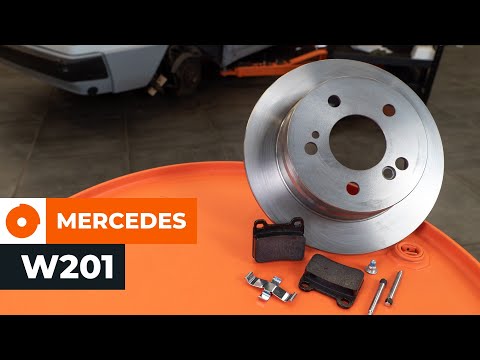
Mercedes 190
(1982-1993 /
W201)
Replacing the rear brake disc and pad kit on a Mercedes 190, model W201, is a relatively easy task that can be done independently, aided by our short…
Mercedes 190
(1982-1993 /
W201)
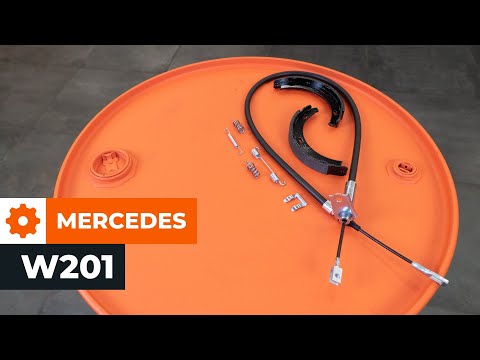
The first step when replacing the brake shoes and cables on a Mercedes 190 model W201 is to remove the rear tyre. To do this, use a drill, then lift …
Mercedes 190
(1982-1993 /
W201)
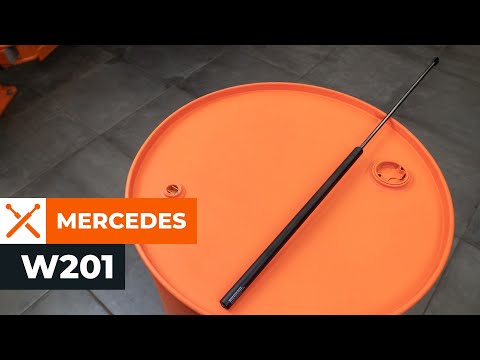
Replacing the bonnet struts on the Mercedes 190 model W201 is straightforward. First, lift the front bonnet and secure it at the sides with wooden st…
Other guides you may be interested in
|
How to reset the tyre pressure warning light on the Dacia Sandero?
To reset the tyre pressure warning light on the Dacia Sandero, inflate all the tyres to the pressure indicated on the label on the driver's door. Once the tyres are inflated, turn on the ignition and navigate through the menu using the controls on the right side of the steering wheel. Scroll with the arrows to find the tyre pressure option: by holding down the OK button located on the right side of the steering wheel, you can reset the warning light. by ScegliAuto More videos
|
|
For advertising on this site Write to info@scegliauto.com
ScegliAuto is not responsible for any inaccuracy of the data in the lists. To report any inaccuracy or your business (if you own the business in question), please write to info@scegliauto.com
Number of seconds to generate the page: 0.080
(c) ScegliAuto 2026 - info@scegliauto.com - Privacy policy VAT number: IT01247470535 |
