
|
Do it yourself
| |||
| ||||


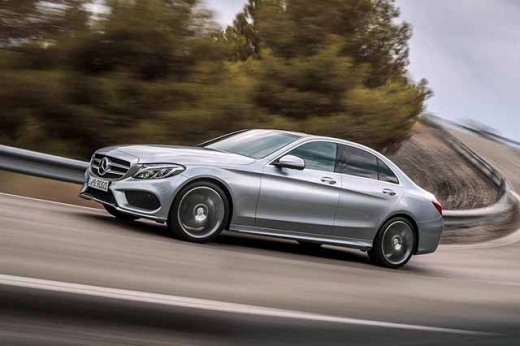
How to Activate and Deactivate Parking Sensors on a Mercedes C-Class W205
Model: Mercedes Classe C
W205
- Years:
2014, 2015, 2016, 2017, 2018, 2019, 2020, 2021
Video tutorial
In this video, see how to enable and disable the parktronic feedback on a Mercedes C-Class W205. With the ignition on, look at the center console and press the second button from the right. This will allow you to enable and disable the parking sensors when reversing. This can be useful if you are in a spacious area and find the "beep beep" of the sensors annoying. It is not a complicated operation, so you can activate and deactivate them at your convenience whenever you want.
Updated on 27 September 2026 by ScegliAuto
Related tutorials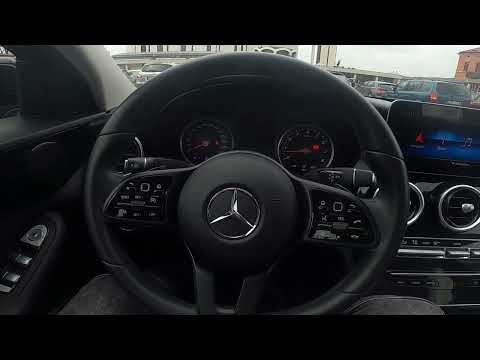
Mercedes Classe C
(2014-2021 /
W205)
.. The Mercedes C-Class W205 features a new function that adjusts the speaker volume automatically based on the noise inside.. …

Mercedes Classe C
(2014-2021 /
W205)
.. On the Mercedes C-Class W205, there is a secret menu that allows you to activate or deactivate electronic controls, ABS,.. …

Mercedes Classe C
(2014-2021 /
W205)
In this short and simple guide, we will see how the airbag system and control unit of the Mercedes C-Class work. The front passenger airbag is automa…
Other guides you may be interested in |
How to reset the tyre pressure warning light on the Kia Niro EV?
To reset the tyre pressure warning light on the Kia Niro EV, inflate the tyres until they reach the correct pressure value. This value is indicated on the sticker attached to the driver's door pillar. Once the tyres are inflated, turn on the instrument cluster to check that the warning light has completely disappeared from the display. If it is still present, you may need to drive for a few miles to ensure it disappears completely from the screen. by ScegliAuto More videos
|
|
For advertising on this site Write to info@scegliauto.com
ScegliAuto is not responsible for any inaccuracy of the data in the lists. To report any inaccuracy or your business (if you own the business in question), please write to info@scegliauto.com
Number of seconds to generate the page: 0.026
(c) ScegliAuto 2026 - info@scegliauto.com - Privacy policy VAT number: IT01247470535 |
