
|
Do it yourself
| |||
| ||||


How does Android Auto work in the MG Gloster?
Model: MG Gloster
MK 1
- Years 2017-2024
In the following video, we will see how it is possible to connect Android Auto to the smartphone in the MG Gloster. This application is very useful as it allows us to use the most important functions of our smartphone through the car's multimedia system. What we need to do is connect our smartphone to the multimedia system via a USB cable. In this way, a connection will be automatically established and all the functions that are usually visible on our smartphone screen are now present on our car's screen, easily recognizable and ready to use.
Posted on 15 May 2023 by ScegliAuto
Video tutorial
Related tutorials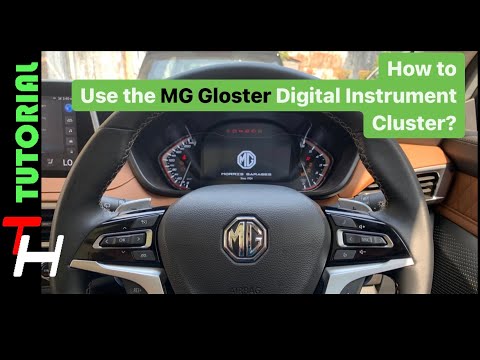
MG Gloster
(2017-2024 /
MK 1)
In order to use the MG Gloster's on-board computer, the ignition key must obviously be inserted into its lock, so that the instrument panel turns on.…
MG Gloster
(2017-2024 /
MK 1)
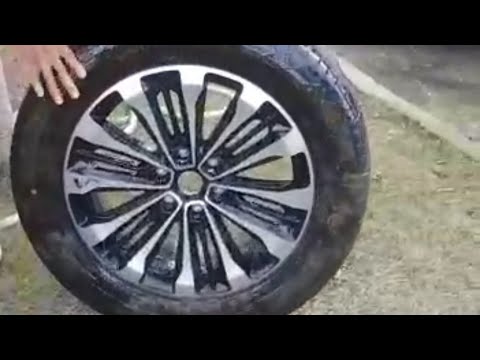
In order to get the spare wheel of the MG Gloster you have to go to open the tailgate of the car, so that you go to raise the carpet located at the b…
MG Gloster
(2017-2024 /
MK 1)
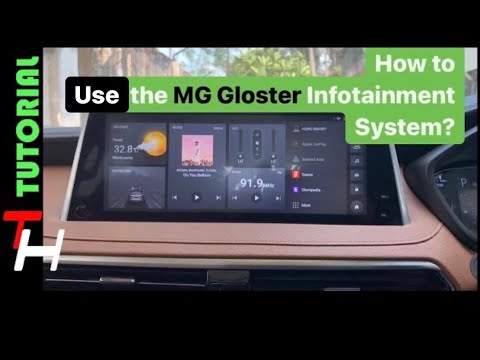
In order to use the Infotainment system of the MG Gloster, you have to insert the ignition key in the lock, turning it to turn on the instrument pane…
Other guides you may be interested in |
How to Remove the Front Brake Pads on a Chrysler PT Cruiser
To remove the front brake pads on a Chrysler PT Cruiser, position the car on a column lift and raise it to a comfortable height. Unscrew the pins using a socket wrench or air drill and remove the wheel. Then, use a screwdriver to detach the brake pads. Next, remove the caliper bracket and unscrew the pins on the brake disc (using a Torx screwdriver). Pull the disc towards you to slide it off the hub. Install the new brake disc with all associated pins, secure the caliper bracket to the disc and the pads, then mount the brake caliper, ensuring all pins are tightened properly. Before mounting the wheel, bleed the brake caliper and tighten the pin. by ScegliAuto More videos
|
|
For advertising on this site Write to info@scegliauto.com
ScegliAuto is not responsible for any inaccuracy of the data in the lists. To report any inaccuracy or your business (if you own the business in question), please write to info@scegliauto.com
Number of seconds to generate the page: 0.046
(c) ScegliAuto 2026 - info@scegliauto.com - Privacy policy VAT number: IT01247470535 |
