
|
Do it yourself
| |||
| ||||


How to change the battery of the Mini Cooper key remote.
Model: Mini Mini
F55, F54, F57, F56
- Years 2014-2023
In a few simple steps, we will see how to change the battery of the Mini Cooper key remote. First, take the remote in hand and start by removing the physical key from inside it; then, lever the back slot to remove the battery cover, as shown in the video. At this point, remove the old battery and replace it with the new one, of the correct type and with the same code; insert it in the correct direction and reassemble the remote, finally inserting the physical key, and checking the functionality of the commands!
Posted on 9 December 2024 by ScegliAuto
Video tutorial
Related tutorials
Mini
(2014-2023 /
F55, F54, F57, F56)
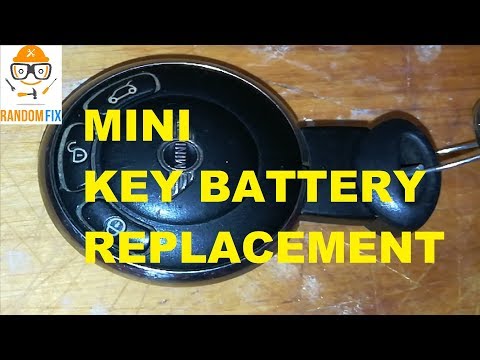
Today's tutorial guide will show us the steps that will allow us to disassemble and replace the battery of the Mini Cooper key remote. First, let's t…
Mini
(2007-2014 /
R57, R55, R56)
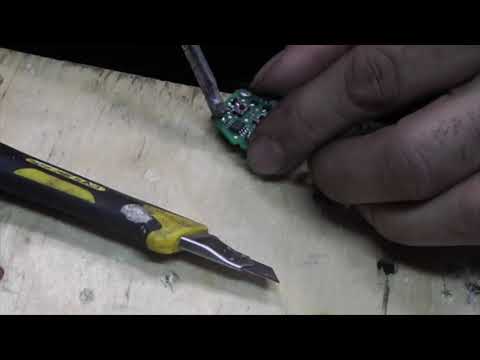
Replacing the battery of the Mini Cooper key/remote is a straightforward task. Take a small screwdriver and use it as a lever to open the small cover…
Mini
(2007-2014 /
R57, R55, R56)
Replacing the Mini Cooper remote control battery is done by using an object that acts as a lever to divide the two halves of the remote control shell…
Other guides you may be interested in
|
How to Remove the Front Headlight on Audi A4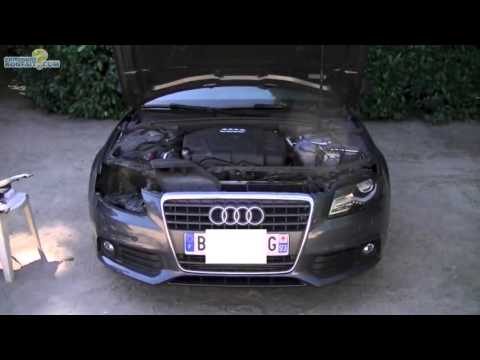
How do you remove the front headlight on an Audi A4? Follow this detailed guide: Pull the plastic lever located at the bottom left of the dashboard, then lift the hood and secure it. Get a socket wrench (with the appropriate inserts), remove the top part of the bumper cover, then unscrew the screws around the front headlight. Disconnect the power connectors and replace the damaged bulbs (same size and voltage). To reassemble, proceed in reverse. Finally, test the proper operation of the lights. by ScegliAuto More videos
|

|
For advertising on this site Write to info@scegliauto.com
ScegliAuto is not responsible for any inaccuracy of the data in the lists. To report any inaccuracy or your business (if you own the business in question), please write to info@scegliauto.com
Number of seconds to generate the page: 0.155
(c) ScegliAuto 2026 - info@scegliauto.com - Privacy policy VAT number: IT01247470535 |
