
|
Do it yourself
| |||
| ||||


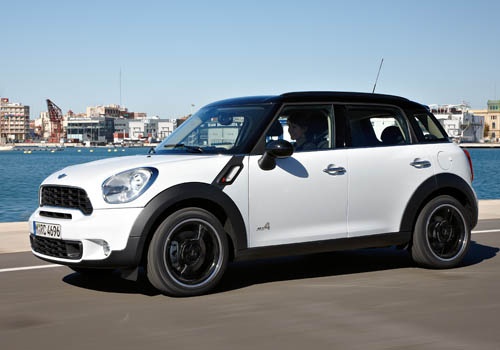
How to Install an Additional Control Unit
Model: Mini Mini
R60, Countryman1
- Years:
2010, 2011, 2012, 2013, 2014, 2015, 2016
Video tutorial
In the following video, we can observe how to proceed with installing an additional control unit on a Mini diesel engine. This simple operation will allow you to increase the vehicle's performance and reduce fuel consumption. The installation process is very straightforward and does not require any tools: after opening the bonnet, it is simply a matter of connecting the wiring provided in the new control unit kit to the vehicle's connectors (injectors, injection pump connector). Finally, the control unit should be positioned in the outer part of the engine bay, preferably away from heat sources.
Updated on 5 February 2026 by ScegliAuto
Related tutorials
Mini
(2007-2014 /
R57, R56, R55)
To improve the performance of the diesel engine, you can install this control unit. You will need to obtain the kit for the specific vehicle. Remove …
Mini
(2007-2014 /
R57, R56, R55)
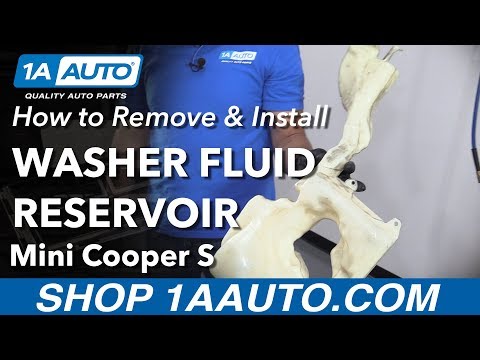
To remove and install the washer fluid reservoir, first remove the front rubber and disconnect the wires and connectors attached to the pump. Then, e…

Mini
(2014-2023 /
F55, F54, F56, F57)
In this article we will show you how to replace the rear light by installing the union jack light on the Mini Cooper F56. For this procedure you will…
Other guides you may be interested in
|
How to Activate the Automatic Folding and Unfolding of the Wing Mirrors on the Jeep Compass
Follow these brief instructions to activate the automatic folding and unfolding of the external wing mirrors on the Jeep Compass. First, get inside the vehicle and turn on the ignition; then press the button located beneath the mirror glass adjustment to electrically open the mirror, as shown in the video. Pressing the button in the opposite direction will close the mirrors; by holding the button, the mirrors will open and close automatically! by ScegliAuto More videos
|
|
For advertising on this site Write to info@scegliauto.com
ScegliAuto is not responsible for any inaccuracy of the data in the lists. To report any inaccuracy or your business (if you own the business in question), please write to info@scegliauto.com
Number of seconds to generate the page: 0.036
(c) ScegliAuto 2026 - info@scegliauto.com - Privacy policy VAT number: IT01247470535 |
