
|
Do it yourself
| |||
| ||||


Reset the Mini Cooper service warning light
Model: Mini Mini
R56, R57, R55
- Years 2007-2014
Today we will see the procedure for resetting the Mini Cooper oil change routine maintenance service light. First of all we get on board the car and turn on the ignition, inserting the key; after which we go to press the button on the instrument panel to enter the on-board computer menu of the car, as shown in the video. Then we use the wheel until we get to the entry of the engine oil warning light; let's go to press the central button of the left lever to complete the reset operation of the service light, following the video to the end!
Posted on 10 March 2022 by ScegliAuto
Video tutorial
Related tutorials
Mini
(2010-2016 /
Countryman1, R60)
Resetting the brake warning light on Mini Cooper is extremely simple, as well as resetting any other warning light that may appear on the panel (for …
Mini
(2014-2023 /
F57, F56, F55, F54)
To be able to reset the service warning light on your Mini Cooper Clubman, you don't need any tools and it's very simple. First, insert the appropria…
Mini
(2007-2014 /
R56, R57, R55)
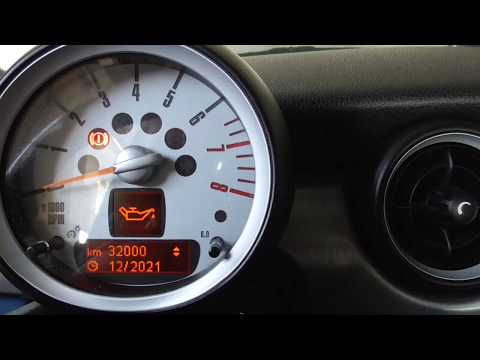
In order to reset the service warning light on your Mini Cooper R60 there is no need for any instrumentation. We start by turning the panel by puttin…
Other guides you may be interested in
|
How to Remove the Gear Knob on a Renault Scenic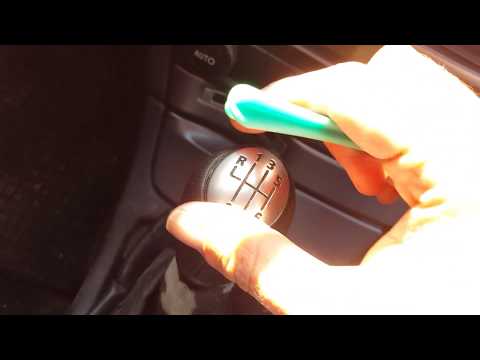
Want to replace the gear knob on a Scenic? Let’s see how to do it in this video. First, detach the leather gaiter cover from the edge of the centre console. Use a plastic spatula to remove the cap indicating the gear numbers. Grip the knob and twist it until it comes off the shaft. Disconnect the knob from the gaiter, fit a new one onto the gaiter (if the gaiter is damaged, replace it with a new one) and attach it to the metal shaft. Finally, secure the connectors of the leather gaiter onto the centre console. by ScegliAuto More videos
|

|
For advertising on this site Write to info@scegliauto.com
ScegliAuto is not responsible for any inaccuracy of the data in the lists. To report any inaccuracy or your business (if you own the business in question), please write to info@scegliauto.com
Number of seconds to generate the page: 0.246
(c) ScegliAuto 2026 - info@scegliauto.com - Privacy policy VAT number: IT01247470535 |
