
|
Do it yourself
| |||
| ||||


How to Reset the Service Light on a Mini One?
Model: Mini Mini
R53, R52, R50
- Years 2001-2007
To reset the Service light on a Mini One, turn on the ignition and then press and hold the buttons located on either side of the instrument cluster. Keep them pressed until the cluster turns off by itself: at that point, release the right button and press it again immediately. When the service icon appears, release both buttons: then, by holding down the button on the lever to the left of the steering wheel, you can change the date of the next maintenance. Use the same button to make the changes; after setting the date, you can check that the Service light has been reset.
Updated on 19 June 2026 by ScegliAuto
Video tutorial
Related tutorials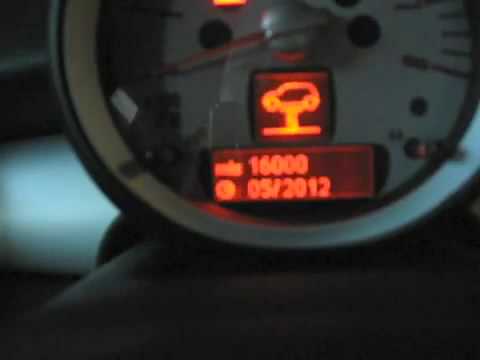
Mini
(2007-2014 /
R56, R55, R57)
To reset the Service light on a Mini R56, turn on the instrument cluster to navigate the menu on the display. Press and hold both buttons located on …

Mini
(2007-2014 /
R56, R55, R57)
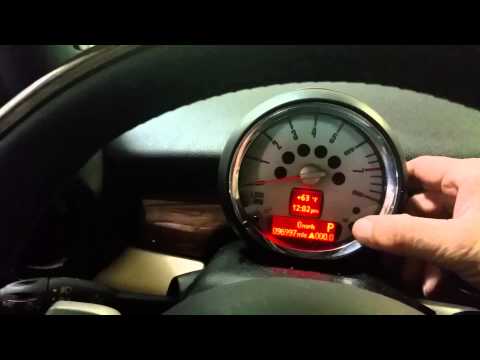
From the Mini Cooper S instrument cluster, you can completely turn off the Service light by switching on the vehicle's ignition, allowing you to navi…
Mini
(2007-2014 /
R56, R55, R57)
How to reset the service on a Mini Clubman? Let's see how to reset the service light. Turn on the instrument cluster and check the warning light. Pre…
Other guides you may be interested in
|
Frequently Asked QuestionsHow to Replace the Gear Knob on the Citroen C3 2015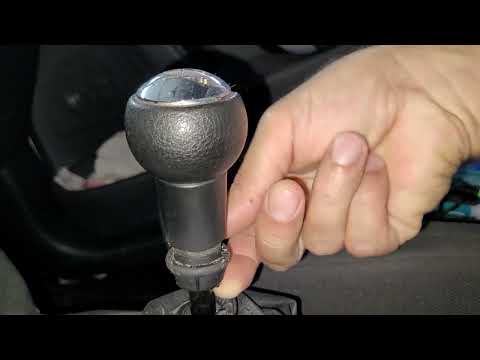
In this mini guide, you will learn how to correctly replace the gear knob on your 2015 Citroen C3. First, ensure you purchase a new gear knob that is fully compatible with your vehicle. Then, enter the cabin and use a flat screwdriver (or a key) to remove the plastic cover from the gear lever. Next, break the safety clip and remove the leather cover. At this point, you can detach the gear knob and replace it with the new one. by ScegliAuto More videos
|
|
For advertising on this site Write to info@scegliauto.com
ScegliAuto is not responsible for any inaccuracy of the data in the lists. To report any inaccuracy or your business (if you own the business in question), please write to info@scegliauto.com
Number of seconds to generate the page: 0.077
(c) ScegliAuto 2026 - info@scegliauto.com - Privacy policy VAT number: IT01247470535 |
