
|
Do it yourself
| |||
| ||||


Resetting the service light on a Mini Paceman.
Model: Mini Mini
Countryman1, R60
- Years 2010-2016
Today we can see, thanks to this very useful video tutorial, the entire procedure necessary to reset the service light on a Mini Paceman, a model based on the Mini Countryman produced from 2012 to 2016. Let's start by turning on the vehicle's instrument panel without starting the engine, then we press and hold the "0.0" button located on the speedometer until we enter the service menu. Once this is done, we continue to press the "0.0" button until we see the engine oil reset option with the message "reset possible", then we press and hold the "0.0" button one last time until the reset is complete.
Posted on 19 October 2023 by ScegliAuto
Video tutorial
Related tutorials
Mini
(2007-2014 /
R56, R57, R55)
Today we will discover the instructions that will allow us to set the time on the central display of the instrument panel of the Mini Cooper and Pace…
Mini
(2010-2016 /
Countryman1, R60)
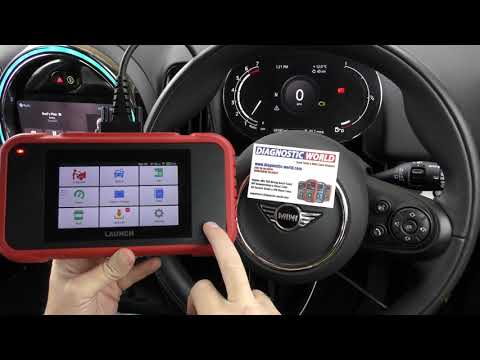
In this video we will see the procedure necessary to reset the engine failure light that appears on the instrument panel on the Mini Countryman, but …
Mini
(2014-2023 /
F57, F56, F55, F54)
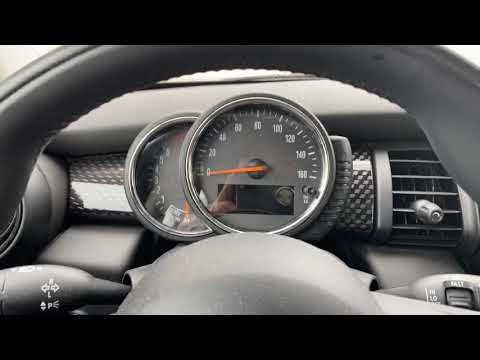
In today's guide we will see how to reset the oil change routine maintenance service light on a 2016 Mini Cooper S, fourth series. First we get insid…
Other guides you may be interested in
|
How to Remove the Front Brake Pads on a Chrysler PT Cruiser
To remove the front brake pads on a Chrysler PT Cruiser, position the car on a column lift and raise it to a comfortable height. Unscrew the pins using a socket wrench or air drill and remove the wheel. Then, use a screwdriver to detach the brake pads. Next, remove the caliper bracket and unscrew the pins on the brake disc (using a Torx screwdriver). Pull the disc towards you to slide it off the hub. Install the new brake disc with all associated pins, secure the caliper bracket to the disc and the pads, then mount the brake caliper, ensuring all pins are tightened properly. Before mounting the wheel, bleed the brake caliper and tighten the pin. by ScegliAuto More videos
|

|
For advertising on this site Write to info@scegliauto.com
ScegliAuto is not responsible for any inaccuracy of the data in the lists. To report any inaccuracy or your business (if you own the business in question), please write to info@scegliauto.com
Number of seconds to generate the page: 0.072
(c) ScegliAuto 2026 - info@scegliauto.com - Privacy policy VAT number: IT01247470535 |
