
|
Do it yourself
| |||
| ||||


How to reset the service indicator on the 2019 Mini Countryman
Model: Mini Mini
Countryman2, F60
- Years 2017-2023
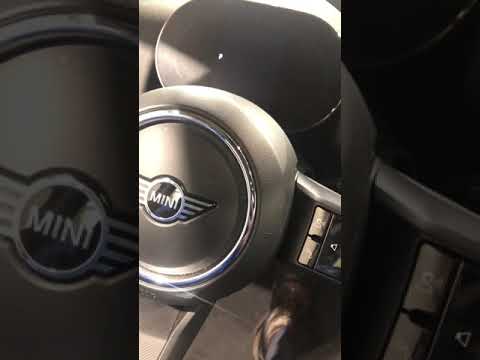
In this new guide dedicated to your 2019 Mini Countryman, we will discover the correct procedure that allows you to manually reset the service light on the dashboard of the car. First, enter the interior and turn on the dashboard, then press the settings menu button and select the "Service requirements" option. At this point, locate the "Vehicle inspection" item and manually change the date of the next car service. Finally, exit the menu and turn off the dashboard.
Posted on 12 August 2024 by ScegliAuto
Video tutorial
Related tutorials
Mini
(2017-2023 /
Countryman2, F60)
You can reset the Service light that is indicated on the instrument panel of the Mini Countryman by turning on the ignition: once the ignition is act…
Mini
(2017-2023 /
Countryman2, F60)
The operation of resetting the Service light on the Mini Countryman is done by turning the key to turn on the instrument panel: once it has been turn…

Mini
(2024-2026 /
Countryman3, U25)
The Service indicator that is shown on the instrument panel of the Mini Countryman can be reset by turning on the instrument panel, pressing the appr…
Other guides you may be interested in
|
How to Change the Front Headlight Bulbs on a Renault Megane
Have you decided to replace the headlight bulbs on your Renault Megane? In this video, we will see how to proceed with the bulb replacement. Open the engine bay and secure the bonnet. Next, unscrew the screws of the headlight using a screwdriver or socket wrench that are located on its cover. Remove the headlight from its housing and disconnect the power connector. Replace all damaged bulbs with new ones (of the same size and voltage). Refit the headlight into its specific housing and tighten the screws. Check the operation of the lights. by ScegliAuto More videos
|

|
For advertising on this site Write to info@scegliauto.com
ScegliAuto is not responsible for any inaccuracy of the data in the lists. To report any inaccuracy or your business (if you own the business in question), please write to info@scegliauto.com
Number of seconds to generate the page: 0.051
(c) ScegliAuto 2026 - info@scegliauto.com - Privacy policy VAT number: IT01247470535 |
