
|
Do it yourself
| |||
| ||||


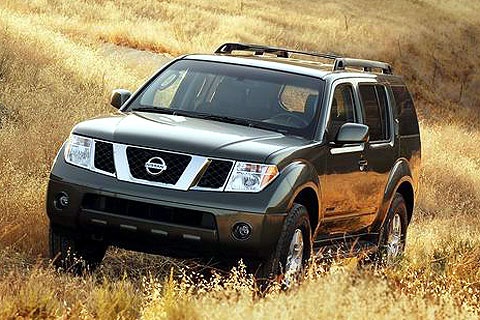
How to Replace the Front Wheel Hub Bearing on a Nissan Pathfinder
Model: Nissan Pathfinder
MK 3, R51
- Years:
2005, 2006, 2007, 2008, 2009, 2010, 2011, 2012
Video tutorial
If you hear a noise coming from the front wheel and notice it has some play, the wheel hub bearing may be damaged. To fix it, start by lifting the vehicle on suitable car stands, then remove the wheel, brake caliper, the centre cap of the hub protecting the driveshaft splines, and the flange that secures the bearing in the hub. At this point, unscrew the nut and remove the hub complete with the disc to finish disassembling the tapered roller bearing. During reassembly, clean all surfaces thoroughly and lubricate generously.
Updated on 28 February 2026 by ScegliAuto
Related tutorials
Nissan Pathfinder
(2005-2012 /
MK 3, R51)
In this mini guide, you will discover where to find the fuse box on your Nissan Pathfinder Mk3. Before proceeding, ensure the vehicle is parked on a …

Nissan Pathfinder
(2021-2026 /
R53)
With this guide, you will be able to independently replace the cabin air filter in your latest model Nissan Pathfinder. First, ensure the car is turn…

Nissan Pathfinder
(2005-2012 /
MK 3, R51)
To replace the brake fluid on a Nissan Pathfinder, locate the bleed screw on each brake caliper, positioned at the rear of the wheel. Insert one end …
Other guides you may be interested in
|
How to Reset the Tire Pressure Light on a MG ZS?
On the instrument cluster of the MG ZS, the tire pressure light that appears can be reset by inflating the tires to the correct pressure: this value will be indicated on the sticker attached to the driver's door pillar. Once the tires have been properly inflated, you can turn on the instrument cluster and navigate through the menu until you find the option that indicates tire pressure: if this screen shows the new values, the light will turn off; otherwise, you will need to drive for a few miles so that the sensors can read the new values and turn off the light afterward. by ScegliAuto More videos
|
|
For advertising on this site Write to info@scegliauto.com
ScegliAuto is not responsible for any inaccuracy of the data in the lists. To report any inaccuracy or your business (if you own the business in question), please write to info@scegliauto.com
Number of seconds to generate the page: 0.019
(c) ScegliAuto 2026 - info@scegliauto.com - Privacy policy VAT number: IT01247470535 |
