
|
Do it yourself
| |||
| ||||


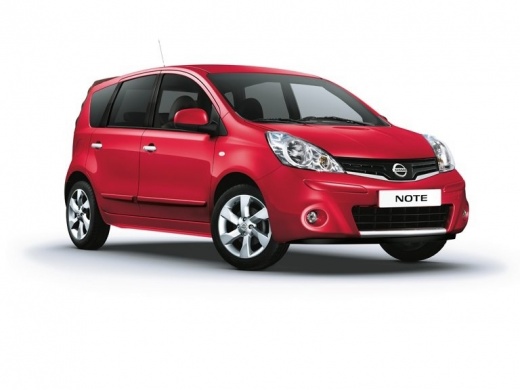
How to replace a rear wheel bearing on a Nissan Note MK1
Model: Nissan Note
E11, MK 1
- Years:
2004, 2005, 2006, 2007, 2008, 2009, 2010, 2011, 2012, 2013
Video tutorial
Let's see how to replace the rear wheel bearing of a Nissan Note MK1: the diagnosis arises from the fact that the owner of the car complains of a noise coming from the rear wheel, so the car is lifted and placed on a jack stand, then the wheel is grabbed, shaken to check for any play, and manually rotated to listen to the typical noise of a worn bearing. By comparing the noise from both sides, the faulty one is isolated. In this model of Nissan Note, there is a brake drum that incorporates the bearing. Some equipment is needed to do this job, such as an "H" clamp that can be easily found on Amazon with the code B0CRHMMQ87 at a price of 11.82 euros with free delivery in 1 day for Prime customers; we remove the 36mm nut from the center of the wheel drum and remove the drum, which can sometimes be stuck; we free it with a few taps; we remove the safety ring with pliers, push out the old bearing from the drum using the clamp. We clean the seat inside the drum, where the new bearing will go, apply WD-40 to the seat to facilitate the insertion of the new bearing, and insert it gently to avoid damaging it. We clean the surface of the drum brakes inside, reassemble the drum on the axle, install a new 36mm nut, reattach the wheel, and lower the car.
Posted on 20 October 2025 by ScegliAuto
Related tutorials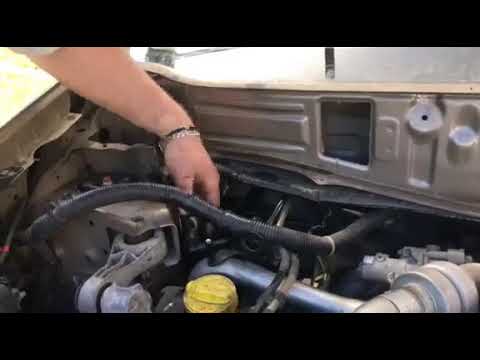
Nissan Note
(2004-2013 /
E11, MK 1)
Before starting, open the bonnet of your Nissan Note. Begin by unclipping and removing the rear cover of the fire wall. This will give you access to …
Nissan Note
(2004-2013 /
E11, MK 1)
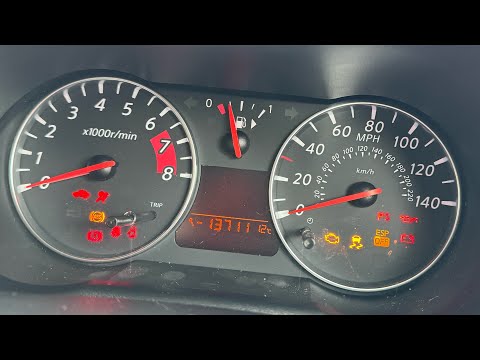
To manually reset the service light on your 2011 Nissan Note, follow the steps outlined in this guide. First, get into the car and reach the driver's…
Nissan Note
(2004-2013 /
E11, MK 1)
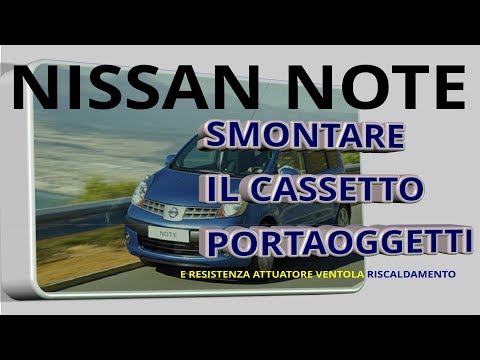
In today's tutorial video, we will go through the steps to remove and replace the air conditioning fan resistor on the Nissan Note E11. First, get in…
Other guides you may be interested in
|
How to reset the tyre pressure warning light on the Kia Niro EV?
To reset the tyre pressure warning light on the Kia Niro EV, inflate the tyres until they reach the correct pressure value. This value is indicated on the sticker attached to the driver's door pillar. Once the tyres are inflated, turn on the instrument cluster to check that the warning light has completely disappeared from the display. If it is still present, you may need to drive for a few miles to ensure it disappears completely from the screen. by ScegliAuto More videos
|
|
For advertising on this site Write to info@scegliauto.com
ScegliAuto is not responsible for any inaccuracy of the data in the lists. To report any inaccuracy or your business (if you own the business in question), please write to info@scegliauto.com
Number of seconds to generate the page: 0.165
(c) ScegliAuto 2026 - info@scegliauto.com - Privacy policy VAT number: IT01247470535 |
