
|
Do it yourself
| |||
| ||||


Removing the Bulbs on a Nissan Note
Model: Nissan Note
E11, MK 1
- Years 2004-2013
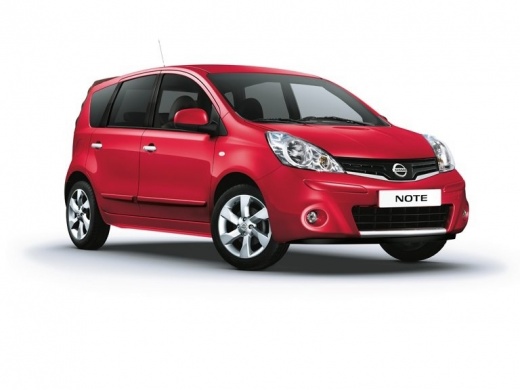
Remove the damaged bulbs from the front headlamp of a Nissan Note. Open the front bonnet by pulling the lever located at the bottom right of the dashboard, and secure it with the prop rod. Remove the cap from the back of the headlamp, pull out the bulb holders from the headlamp, and extract the damaged bulbs using a screwdriver. Fit the new bulbs (ensuring they are the correct type and size). After fitting the bulb holder back into the headlamp, close the front headlamps. Turn on the ignition and activate the front lights using the levers.
Updated on 16 March 2026 by ScegliAuto
Video tutorial
Related tutorials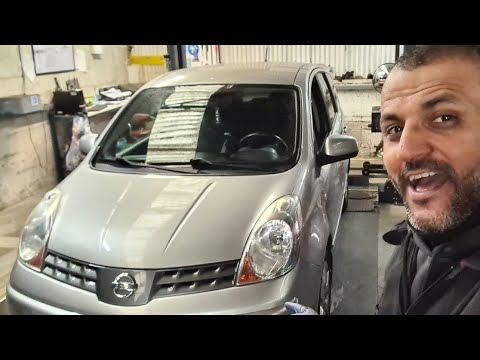
Nissan Note
(2004-2013 /
E11, MK 1)
Today's guide shows you how to remove and replace the rear lights and their bulbs of the Nissan Note, following these simple steps. First, move to th…
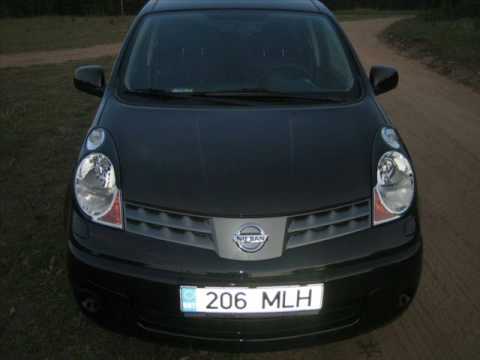
…

Nissan Note
(2004-2013 /
E11, MK 1)
In this guide, you will find instructions for removing and replacing the front and rear headlight bulbs of the Nissan Note. First, open the engine bo…
Other guides you may be interested in
|
How to Replace the Cabin Filter on the Opel Grandland X
If you own an Opel Grandland X and want to know the steps to replace the cabin air filter, carefully read the following guide and follow the described steps. First, enter the vehicle and go to the passenger side. Then, locate the box containing the air filter in the lower side area of the dashboard. Remove the cover of the box and finally replace the old filter with the new one. Refit the cover, and you are done. by ScegliAuto More videos
|
|
For advertising on this site Write to info@scegliauto.com
ScegliAuto is not responsible for any inaccuracy of the data in the lists. To report any inaccuracy or your business (if you own the business in question), please write to info@scegliauto.com
Number of seconds to generate the page: 0.479
(c) ScegliAuto 2026 - info@scegliauto.com - Privacy policy VAT number: IT01247470535 |
