
|
Do it yourself
| |||
| ||||


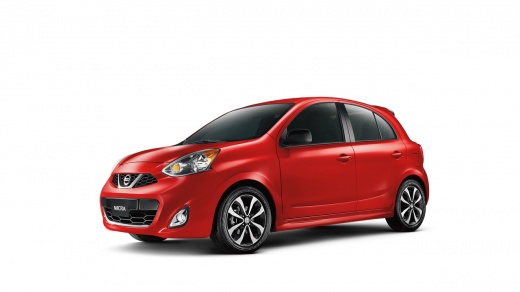
Replacing the Key Battery on a Nissan
Model: Nissan Micra
K13
- Years:
2010, 2011, 2012, 2013, 2014, 2015, 2016, 2017
Video tutorial
To replace the battery in the remote, first remove the metal key from inside the remote (press the release tab). Using a flathead screwdriver, gently separate the two halves of the remote by prying on the side tabs. Once open, access the battery and replace it with one of the same specifications. Reposition the two halves of the remote until they align, applying slight pressure until you hear a click of locking. Insert the metal key back into its slot until it locks in place, and you are done.
Updated on 21 March 2026 by ScegliAuto
Related tutorials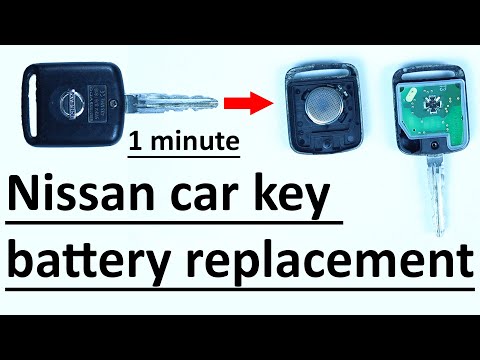
Nissan Micra
(2010-2017 /
K13)
.. Replacing the key battery on a Nissan Micra is extremely simple, and we will demonstrate it now. Obtain.. …
Nissan Micra
(2002-2010 /
K12)
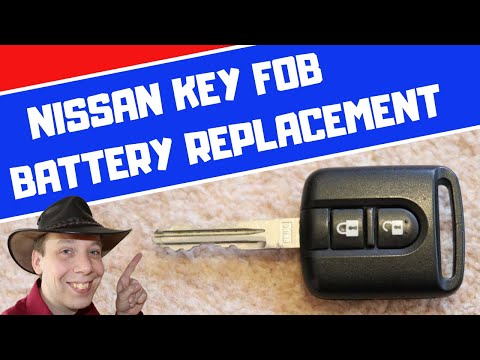
Need to replace the battery in your Nissan Micra key? Here’s how to do it. Take your remote key and unscrew the tiny screw on the key cover, then use…

Nissan Micra
(2002-2010 /
K12)
Is the remote key battery flat? Let's see how to replace it in a Nissan Micra remote key. Take your remote key and with a screwdriver, unscrew the ti…
Other guides you may be interested in
|
How to Open the Hood of the BMW X3
Today, you will learn how to open and close the hood of the BMW X3. To perform this simple operation, lift the hood release lever located next to the door seal on the driver’s side. After pulling the lever, you will notice that the hood will lift slightly. Position yourself in front of the hood and lift it after moving the internal lever from left to right. To keep the hood secure during maintenance, use the side support rod. To close the hood, simply let it fall back into place. by ScegliAuto More videos
|
|
For advertising on this site Write to info@scegliauto.com
ScegliAuto is not responsible for any inaccuracy of the data in the lists. To report any inaccuracy or your business (if you own the business in question), please write to info@scegliauto.com
Number of seconds to generate the page: 0.146
(c) ScegliAuto 2026 - info@scegliauto.com - Privacy policy VAT number: IT01247470535 |
