
|
Do it yourself
| |||
| ||||


How to Change the Oil and Oil Filter on the Nissan Rogue
Model: Nissan Rogue
T32
- Years 2014-2020
To replace the oil and oil filter, do the following: At the top of the engine, remove the oil filler cap and lift the dipstick. Go under the vehicle, unscrew the oil drain plug, and place a container underneath to catch the oil. Once the oil has drained, clean the plug and reinstall it. Using an appropriate wrench, unscrew the oil filter, take the new filter, and apply some oil to the gasket before screwing it back into place. After the new filter is installed, lower the vehicle and return to the top of the engine. With the filler cap removed, pour in the prescribed quarts of oil; after adding the correct amount, take the dipstick, remove it, clean it, and reinsert it. Pull it out again to check the level and top off if necessary; otherwise, the job is complete.
Updated on 5 May 2026 by ScegliAuto
Video tutorial
Related tutorials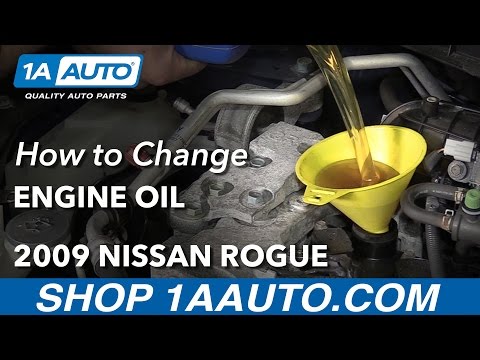
Nissan Rogue
(2008-2015 /
S35)
To change the engine oil of the Nissan Rogue, access the underside of the vehicle to loosen the bolt securing the oil drain plug. Once the plug is re…

Nissan Rogue
(2021-2026 /
T33)
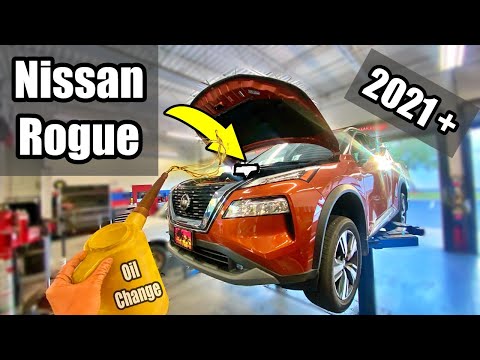
If you want to manually reset the engine oil light of your Nissan Rogue (2023), you must follow all the steps described in our new guide. First, star…
Nissan Rogue
(2021-2026 /
T33)
The bottom of the engine compartment in the Nissan Rogue is covered by a protective panel that must be removed to access the oil pan. Doing this with…
Other guides you may be interested in
|
Frequently Asked QuestionsHow to Open a Stuck Boot on the Peugeot 407?
On the Peugeot 407, the boot may become stuck, possibly due to a problem with the control button or the lock actuator. In such cases, you can perform an emergency opening by following the simple procedure shown in this tutorial. First, open the rear doors, then lower the seat back by operating the release lever. Next, go inside the boot, locate the lock, and manually operate it using a flathead screwdriver. The boot will then be free to open. by ScegliAuto More videos
|
|
For advertising on this site Write to info@scegliauto.com
ScegliAuto is not responsible for any inaccuracy of the data in the lists. To report any inaccuracy or your business (if you own the business in question), please write to info@scegliauto.com
Number of seconds to generate the page: 0.077
(c) ScegliAuto 2026 - info@scegliauto.com - Privacy policy VAT number: IT01247470535 |
