
|
Do it yourself
| |||
| ||||


Replacing the Oxygen Sensor on a Nissan Rogue
Model: Nissan Rogue
S35
- Years 2008-2015
The video shows how to replace the oxygen sensor on a gasoline Nissan Rogue from 2008-2015. This is not a difficult task that requires the help of a mechanic, saving on labor costs. Since it contracts when cold and is harder to loosen, keep the engine running for a couple of minutes first. Disconnect the negative battery terminal. There are two sensors: one downstream and one upstream of the catalytic converter. Disconnect the electrical connector of the sensor and then unscrew and remove the sensor itself. Do the same for the other sensor. Install and tighten the new sensors, reversing the same steps described earlier.
Updated on 3 June 2026 by ScegliAuto
Video tutorial
Related tutorials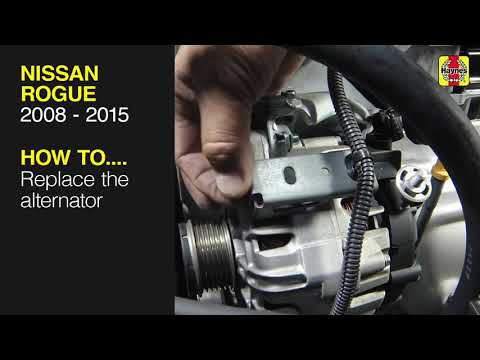
Nissan Rogue
(2008-2015 /
S35)
Let's briefly go over the instructions to remove and replace the alternator on the Nissan Rogue, as well as the Nissan Qashqai. First, open the hood …

Nissan Rogue
(2021-2026 /
T33)
If you want to manually reset the engine oil light of your Nissan Rogue (2023), you must follow all the steps described in our new guide. First, star…

Nissan Rogue
(2008-2015 /
S35)
In this new mini guide dedicated to all of you who own a Nissan Rogue (year 2013), we will help you complete the removal of the factory radio inside …
Other guides you may be interested in
|
How to Open a Stuck Boot on the Peugeot 407?
On the Peugeot 407, the boot may become stuck, possibly due to a problem with the control button or the lock actuator. In such cases, you can perform an emergency opening by following the simple procedure shown in this tutorial. First, open the rear doors, then lower the seat back by operating the release lever. Next, go inside the boot, locate the lock, and manually operate it using a flathead screwdriver. The boot will then be free to open. by ScegliAuto More videos
|
|
For advertising on this site Write to info@scegliauto.com
ScegliAuto is not responsible for any inaccuracy of the data in the lists. To report any inaccuracy or your business (if you own the business in question), please write to info@scegliauto.com
Number of seconds to generate the page: 0.220
(c) ScegliAuto 2026 - info@scegliauto.com - Privacy policy VAT number: IT01247470535 |
