
|
Do it yourself
| |||
| ||||


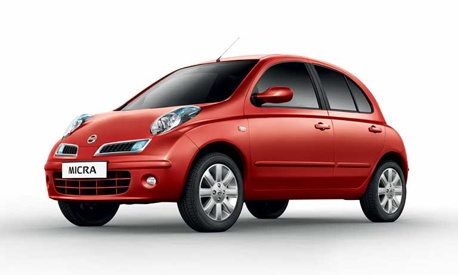
How to Replace the Battery in a Nissan Micra
Model: Nissan Micra
K12
- Years:
2002, 2003, 2004, 2005, 2006, 2007, 2008, 2009, 2010
Video tutorial
Replacing the battery in your Nissan Micra is, contrary to what you might think, a fairly simple task that anyone can manage. Since it is a delicate and potentially hazardous component, remember to perform the entire operation with the engine off and dispose of the used battery according to current regulations. First, lift the front bonnet and locate the battery. Disconnect the two terminals. Using a suitable key, unscrew the two screws at the bottom and remove the security block. Now simply replace the old battery with a new one and re-screw the two previous screws. Finally, reconnect the two terminals.
Updated on 8 June 2026 by ScegliAuto
Related tutorials
Nissan Micra
(1992-2002 /
K11)
When a vehicle's battery stops functioning, the causes can vary: flat battery, damaged battery, or blown fuse. If the fuse is the problem, you need t…
Nissan Micra
(2010-2017 /
K13)
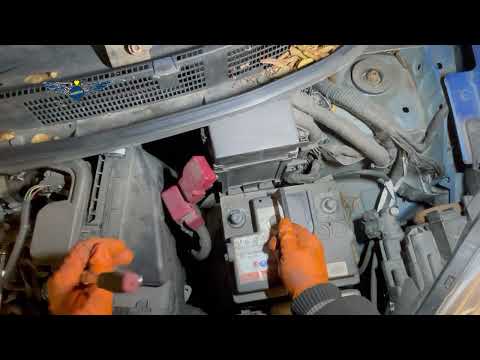
Below are the steps to remove and replace the engine battery in a Nissan Micra, following the instructions provided. First, open the bonnet of the ve…
Nissan Micra
(2002-2010 /
K12)
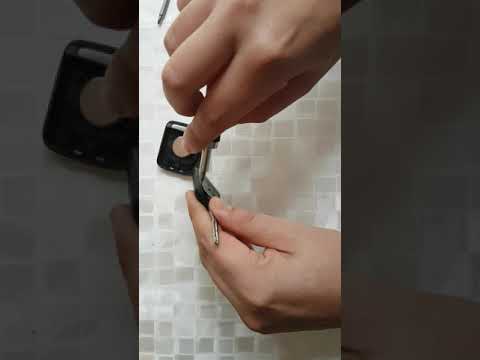
In this video, learn how to replace the battery in the remote of the small Japanese hatchback, the Nissan Micra. Start by unscrewing the small screw …
Other guides you may be interested in
|
How to reset the tyre pressure warning light on the Kia Niro EV?
To reset the tyre pressure warning light on the Kia Niro EV, inflate the tyres until they reach the correct pressure value. This value is indicated on the sticker attached to the driver's door pillar. Once the tyres are inflated, turn on the instrument cluster to check that the warning light has completely disappeared from the display. If it is still present, you may need to drive for a few miles to ensure it disappears completely from the screen. by ScegliAuto More videos
|
|
For advertising on this site Write to info@scegliauto.com
ScegliAuto is not responsible for any inaccuracy of the data in the lists. To report any inaccuracy or your business (if you own the business in question), please write to info@scegliauto.com
Number of seconds to generate the page: 0.129
(c) ScegliAuto 2026 - info@scegliauto.com - Privacy policy VAT number: IT01247470535 |
