
|
Do it yourself
| |||
| ||||


Replacing Front Discs and Pads
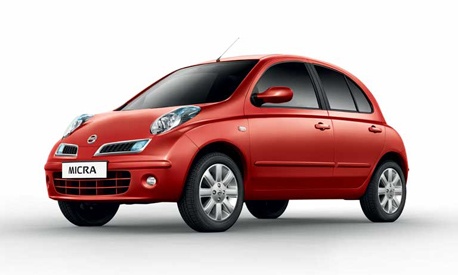
Model: Nissan Micra
K12
- Years 2002-2010
Lift the vehicle on a lift and remove the front wheel; then unscrew the fixing pins of the brake caliper and hang it on the shock absorber spring, taking care not to crush the hose; then remove the pads from the support and unscrew the respective fixing pins before unscrewing the screw that secures the disc to the hub; clean the disc seat on the hub and apply grease before installing the new disc, which should be washed to remove protective oil; then install the caliper support, insert the new pads, and retract the caliper piston using the appropriate tool before securing it to the respective support.
Updated on 20 February 2026 by ScegliAuto
Video tutorial
Related tutorials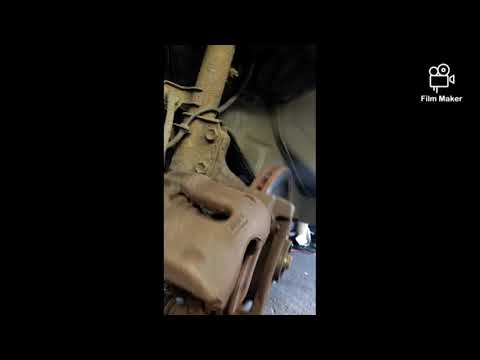
Nissan Micra
(2002-2010 /
K12)
Changing the brake pads on a Micra? Remove the wheel and see how to disassemble it. Lift the car with a jack to the desired height, then remove the w…
Nissan Micra
(2002-2010 /
K12)
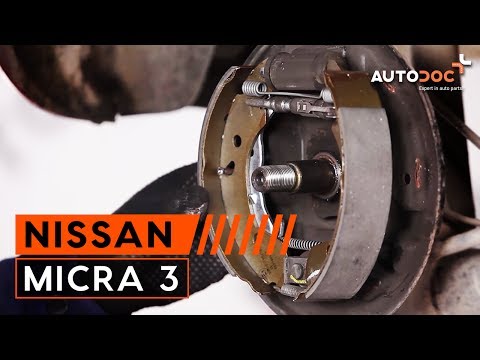
Place the car on a ramp and raise it to a comfortable working height. Remove the rear wheel corresponding to the pads to be replaced. Dismantle the d…
Nissan Micra
(1992-2002 /
K11)
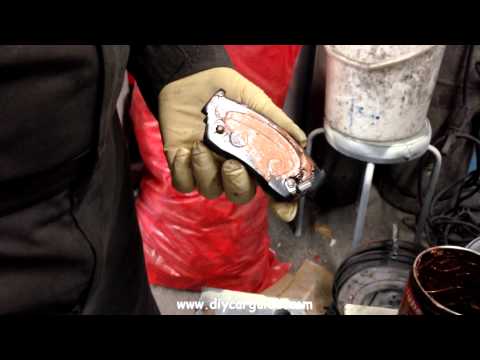
In this video, you will learn how to change the front brake pads. First, unscrew the bolts securing the caliper. Using a flat screwdriver, pry betwee…
Other guides you may be interested in
|
How to Replace the Battery on a Honda Vision 110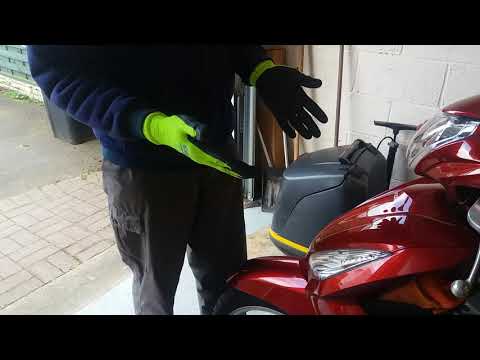
To replace the battery on a Honda Vision 110, you need to remove the front fairing of the motorcycle, located directly under the front headlamp. To loosen this panel, unscrew the two screws found at its top, just below the handlebar. Once these screws are loosened, lever under the panel to detach it, gaining access to the battery underneath: this battery must be removed from its housing by unscrewing the fixing screws and disconnecting the power cables, replacing it with a new one. by ScegliAuto More videos
|
|
For advertising on this site Write to info@scegliauto.com
ScegliAuto is not responsible for any inaccuracy of the data in the lists. To report any inaccuracy or your business (if you own the business in question), please write to info@scegliauto.com
Number of seconds to generate the page: 0.071
(c) ScegliAuto 2026 - info@scegliauto.com - Privacy policy VAT number: IT01247470535 |
