
|
Do it yourself
| |||
| ||||


How to perform an emergency start on an Opel Grandland X
Model: Vauxhall Grandland X
MK 1
- Years 2017-2024
In this video we see how to behave in case the Opel Grandland X no longer recognizes the key: to start the car in an emergency, there is a reading channel located on the opposite side of the start button, located in the steering column. This is a channel where the key must be placed and allows the car to recognize the key, placing it with the emblem part in contact with the steering column, in a kind of lock. Now we can try to press the start button, and the car recognizes the remote control, also pressing the brake pedal. Next step: change the battery in the remote control.
Posted on 19 November 2024 by ScegliAuto
Video tutorial
Related tutorials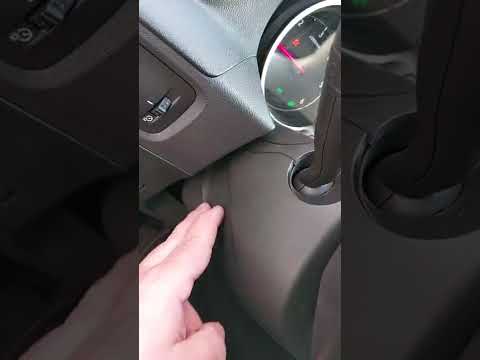
Vauxhall Grandland X
(2017-2024 /
MK 1)
Let's see how to open the Opel Grandland X if the remote battery is flat, but you still need to start it. As it is a proximity key, you can do this: …
Vauxhall Grandland X
(2017-2024 /
MK 1)
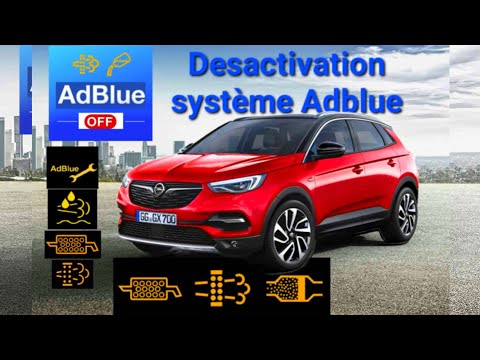
Good morning, today you will reset the "AdBlue" warning light on your Opel Grandland. Before doing this, you must refill the AdBlue. Start by turning…

Vauxhall Grandland X
(2017-2024 /
MK 1)
Let's see how to reset the service light on an Opel Grandland X: start by pressing the start button to turn on the ignition, where the maintenance me…
Other guides you may be interested in
|
Frequently Asked QuestionsHow to Replace the Remote Battery for the Volvo XC40?
In this tutorial, you will see how to replace the battery in the remote for the Volvo XC40, a very simple and quick operation. For this, you will need a replacement battery of type CR2032 and possibly a small flathead screwdriver. First, remove the front cover by pressing the button on the metal ring, then locate the second button, press it as well, and remove the opposite cover. Next, open the circular cap, take out the old battery, and insert the new one in the opposite direction. Finally, reassemble everything. by ScegliAuto More videos
|
|
For advertising on this site Write to info@scegliauto.com
ScegliAuto is not responsible for any inaccuracy of the data in the lists. To report any inaccuracy or your business (if you own the business in question), please write to info@scegliauto.com
Number of seconds to generate the page: 0.167
(c) ScegliAuto 2026 - info@scegliauto.com - Privacy policy VAT number: IT01247470535 |
