
|
Do it yourself
| |||
| ||||


How to Reset the Oil Service Indicator on an Opel Mokka
Model: Vauxhall Mokka
Mokka A
- Years 2012-2019
In this video, learn how to reset the oil service indicator on an Opel Mokka. The process is very simple: enter the vehicle, turn on the ignition, and press the "Menu" button located on the control stalk near the steering wheel. Scroll through the menu until you reach "Reset Service". Use the Set/Clr buttons and confirm with the "Set" button (the reset confirmation message will appear). Check the radio display for the mileage until the next oil change service. Always remember to make changes to the onboard computer with the engine off.
Updated on 2 March 2026 by ScegliAuto
Video tutorial
Related tutorials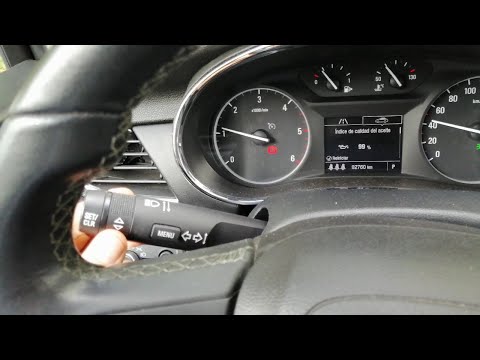
Vauxhall Mokka
(2012-2019 /
Mokka A)
In this tutorial we can see how to reset the oil service in the Opel Mokka, an extremely simple and fast operation. Before proceeding, make sure you …
Vauxhall Mokka
(2012-2019 /
Mokka A)
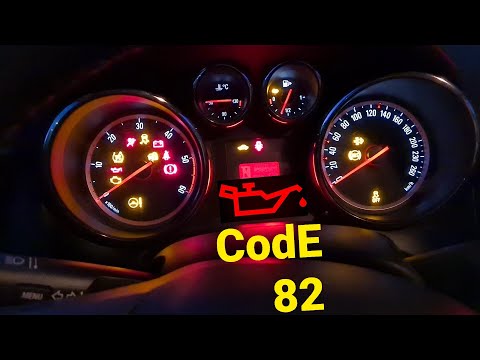
In this tutorial, we can see how to reset the oil service in the Opel Mokka, an extremely simple and quick operation, to be carried out only after co…
Vauxhall Mokka
(2012-2019 /
Mokka A)
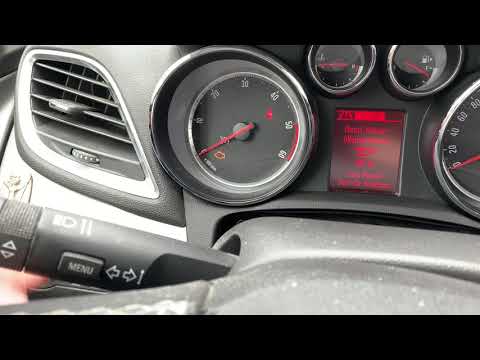
Resetting the oil service in the Opel Mokka is an extremely simple and fast operation, let's see how to proceed in this tutorial. Before doing this, …
Other guides you may be interested in
|
How to Remove the Front Headlight on Audi A4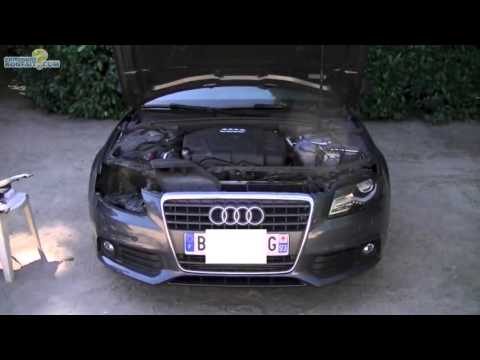
How do you remove the front headlight on an Audi A4? Follow this detailed guide: Pull the plastic lever located at the bottom left of the dashboard, then lift the hood and secure it. Get a socket wrench (with the appropriate inserts), remove the top part of the bumper cover, then unscrew the screws around the front headlight. Disconnect the power connectors and replace the damaged bulbs (same size and voltage). To reassemble, proceed in reverse. Finally, test the proper operation of the lights. by ScegliAuto More videos
|

|
For advertising on this site Write to info@scegliauto.com
ScegliAuto is not responsible for any inaccuracy of the data in the lists. To report any inaccuracy or your business (if you own the business in question), please write to info@scegliauto.com
Number of seconds to generate the page: 0.097
(c) ScegliAuto 2026 - info@scegliauto.com - Privacy policy VAT number: IT01247470535 |
