
|
Do it yourself
| |||
| ||||


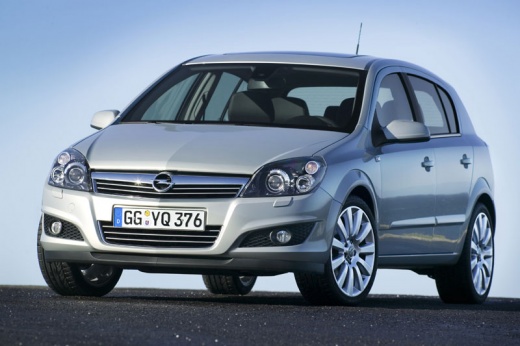
How to reset the Service light on an Opel Astra H?
Model: Vauxhall Astra
- Years:
2004, 2005, 2006, 2007, 2008, 2009, 2010
Video tutorial
You can completely clear the Service light that appears on the instrument cluster of the Opel Astra by turning on the dashboard after inserting the ignition key into the ignition switch: once the dashboard is activated, press the button located to its right repeatedly until the "Insp" message appears on the screen. When this message is displayed, hold down the same button until the indication is cleared: at this point, you can finish by turning off the instrument cluster.
Posted on 20 October 2026 by ScegliAuto
Related tutorials
Vauxhall Astra
(2015-2022 /
Astra K)
To help those who may not know how to reset the service expiration warning for their Opel Astra K, here is the attached video guide. It first shows t…

Vauxhall Astra
(2009-2016 /
Astra J)
To reset the Service light that appears on the instrument cluster of the Opel Astra, insert the ignition key into the ignition switch and turn it to …
Vauxhall Astra
(2015-2022 /
Astra K)
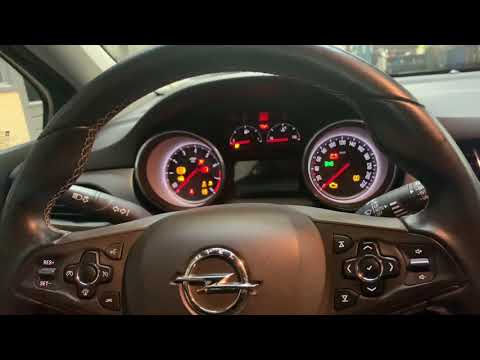
To reset the service light on an Opel Astra, turn the key to switch on the instrument cluster: you will need to navigate the menu using the direction…
Other guides you may be interested in
|
Replacing the Gear Knob on the Mercedes Sprinter MK 2
With regular use, the gear knob on the Mercedes Sprinter may show signs of wear that necessitate its replacement. To carry out the replacement, sit in the driver's seat, and using a pair of pliers, rotate the knob left and right to unlock it. Grip the knob and gently pull it off while ensuring that the spring mounted on the lever does not get lost. Take the new knob, align it with the gear pattern, tap it on gently, and finish inserting it using a rubber mallet. by ScegliAuto More videos
|
|
For advertising on this site Write to info@scegliauto.com
ScegliAuto is not responsible for any inaccuracy of the data in the lists. To report any inaccuracy or your business (if you own the business in question), please write to info@scegliauto.com
Number of seconds to generate the page: 0.164
(c) ScegliAuto 2026 - info@scegliauto.com - Privacy policy VAT number: IT01247470535 |
