
|
Do it yourself
| |||
| ||||


How do you reset the service light in the Opel Astra K?
Model: Vauxhall Astra
Astra K
- Years:
2015, 2016, 2017, 2018, 2019, 2020, 2021, 2022
Video tutorial
To help those who may not know how to reset the service expiration warning for their Opel Astra K, here is the attached video guide. It first shows the steps to perform, including an oil and filter change, DIY style, followed by the procedure to turn off the aforementioned warning light. Let's proceed: with the ignition on, we focus our attention on the right side of the steering wheel and hold down the central button, waiting for the warning light and message on the onboard computer to turn off. As shown, in just a few seconds and in a very simple way, the operation can be completed by yourself.
Posted on 25 December 2025 by ScegliAuto
Related tutorials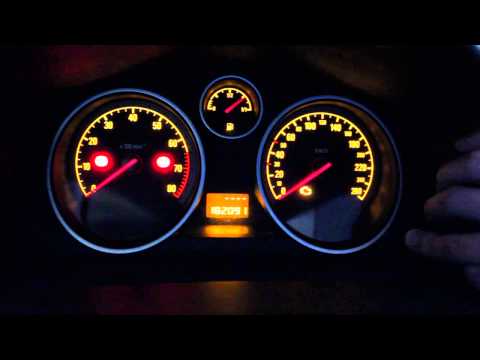
Vauxhall Astra
(2004-2010 /
Astra H)
To reset the Service light on the Opel Astra, press and hold the button located on the right side of the instrument panel while it is off. Continue h…
Vauxhall Astra
(2004-2010 /
Astra H)
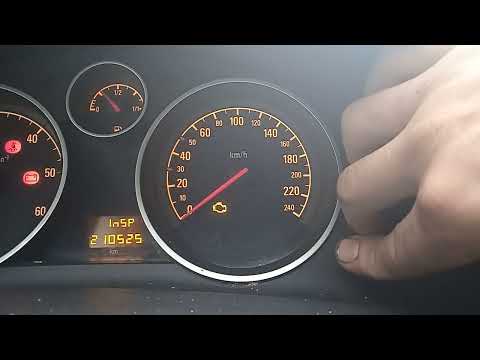
Resetting the service light on an Opel Astra H model produced from 2004 to 2010 is easier than ever with our guide. The first step is to turn on the …

Vauxhall Astra
(2004-2010 /
Astra H)
To reset the Service light that appears on the instrument cluster of the Opel Astra, press and hold the button located on the right side of the clust…
Other guides you may be interested in
|
How to Set the Clock on a Renault Master 3
This guide shows you how to set a new time on a Renault Master 3. Start by turning on the instrument cluster of the vehicle without starting the engine. Next, using the end of the right-hand steering column stalk, scroll through the options on the display until you reach 'set time', then press the down arrow button to make the displayed time blink. Once this is done, press and hold the down arrow button to change the hour, which you can adjust using the two arrow buttons at the end of the stalk. Once the correct hour is set, press and hold the down arrow button again to move to the minutes. After setting the correct time, restart the vehicle. by ScegliAuto More videos
|
|
For advertising on this site Write to info@scegliauto.com
ScegliAuto is not responsible for any inaccuracy of the data in the lists. To report any inaccuracy or your business (if you own the business in question), please write to info@scegliauto.com
Number of seconds to generate the page: 0.029
(c) ScegliAuto 2026 - info@scegliauto.com - Privacy policy VAT number: IT01247470535 |
