
|
Do it yourself
| |||
| ||||


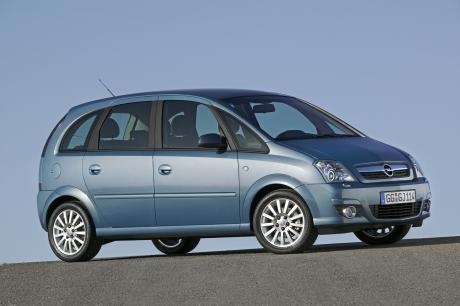
Removing the Car Radio from Opel Meriva
Model: Vauxhall Meriva
Meriva A, MK 1
- Years:
2003, 2004, 2005, 2006, 2007, 2008, 2009, 2010
Video tutorial
Replacing the original radio on an Opel Meriva? Here’s how to remove it. Use the original metal keys to take out the car radio. Insert the keys into the slots on the sides of the radio trim (there are holes), lock the keys, and pull towards you. Carefully extract the car radio, being mindful of the various wiring connected at the back (disconnect the power connectors and the antenna cable). Install the new original or generic brand car radio (if it cannot be installed, use an adapter for the radio and the wires).
Updated on 16 March 2026 by ScegliAuto
Related tutorials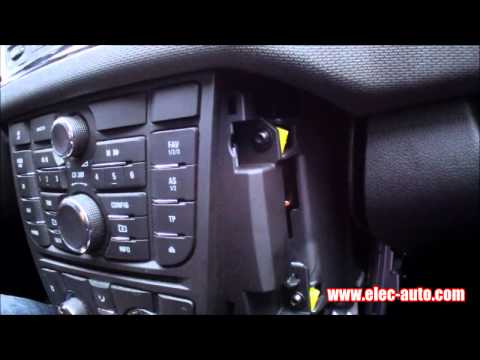
Vauxhall Meriva
(2010-2017 /
Meriva B, MK 2)
Are you looking to remove the radio to replace it or to connect USB cables? Let's see how to take out the radio from the Meriva along with its compon…
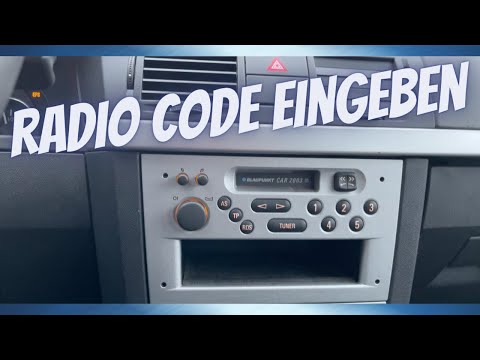
Vauxhall Meriva
(2003-2010 /
Meriva A, MK 1)
In this tutorial, you will learn how to enter the radio unlock code in the Opel Meriva, an extremely simple and quick operation to perform after repl…
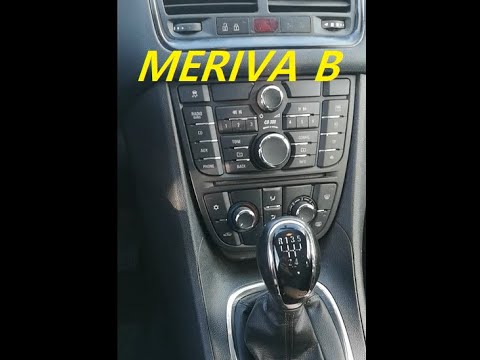
Vauxhall Meriva
(2010-2017 /
Meriva B, MK 2)
To replace the radio in an Opel Meriva, use a tool to lever off the side panels of the centre console. Once these are completely removed, you can uns…
Other guides you may be interested in
|
How to open the boot if it is stuck on a Mercedes B-Class?
On the Mercedes B-Class, the boot may become stuck, possibly due to a problem with the control button or the lock actuator. In this case, perform the emergency opening by following the simple procedure shown in this tutorial. First, unlock the locks with the remote control, then open the rear doors and, by operating the indicated lever, lower the backrest of the seat. Next, go inside the boot, locate the indicated gap, and manually unlock the lock using a small screwdriver. by ScegliAuto More videos
|
|
For advertising on this site Write to info@scegliauto.com
ScegliAuto is not responsible for any inaccuracy of the data in the lists. To report any inaccuracy or your business (if you own the business in question), please write to info@scegliauto.com
Number of seconds to generate the page: 0.081
(c) ScegliAuto 2026 - info@scegliauto.com - Privacy policy VAT number: IT01247470535 |
