
|
Do it yourself
| |||
| ||||


Replacement of Front Anti-Roll Bars
Model: Vauxhall Vectra
Vectra B, MK 2
- Years:
1995, 1996, 1997, 1998, 1999, 2000, 2001, 2002
Video tutorial
The necessary tools are a ratchet spanner, a set of fixed spanners, a puller, and various pliers. Lift the car on the ramp and remove the wheel to access the mechanics. Locate the anti-roll bars and proceed to remove them by unscrewing all the bolts and extracting the pins from the shock absorber assembly. Use the puller and a drift to push the bolts out of their seats after thoroughly spraying them with penetrating oil. Remove the bars by unscrewing the retaining nut and insert the new ones using the appropriate inserter. Reassemble the rest of the mechanics that were previously removed.
Updated on 6 February 2026 by ScegliAuto
Related tutorials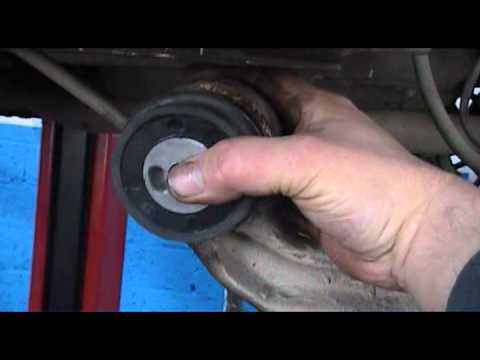
Vauxhall Vectra
(1995-2002 /
Vectra B, MK 2)
If the vehicle is stiff and has lowered on the rear side, the problem lies with the torsion or support bar, so obtain the replacement parts and proce…
Vauxhall Vectra
(2002-2008 /
Vectra C, MK 3)
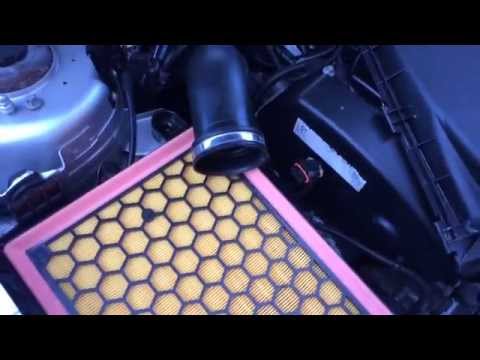
Let's see the replacement of the engine air filter on the Opel Vectra: open the car door, pull up the engine compartment release lever located at the…
Vauxhall Vectra
(2002-2008 /
Vectra C, MK 3)
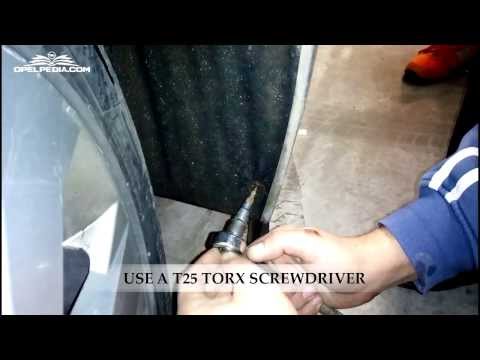
To replace the front fog light bulb, remove the front bumper: start by unscrewing the fixing screws of the bumper at the wheel arch and then remove t…
Other guides you may be interested in
|
How to Open the Fuel Filler Flap in the Hyundai i30?
In this tutorial, you will learn how to open the fuel filler flap in the Hyundai i30, a very simple operation that follows the typical procedure of most vehicles. First, unlock the locks using the designated button on the remote, then open the driver's door, locate the release lever on the left side of the seat, and operate it. Next, move to the fuel filler flap, open it completely, unscrew the cap, and refuel as needed. To close the flap, simply press it gently. by ScegliAuto More videos
|
|
For advertising on this site Write to info@scegliauto.com
ScegliAuto is not responsible for any inaccuracy of the data in the lists. To report any inaccuracy or your business (if you own the business in question), please write to info@scegliauto.com
Number of seconds to generate the page: 0.025
(c) ScegliAuto 2026 - info@scegliauto.com - Privacy policy VAT number: IT01247470535 |
