
|
Do it yourself
| |||
| ||||


How to Replace Your Car's Brake Pads
Model: Vauxhall Vectra
Vectra C, MK 3
- Years:
2002, 2003, 2004, 2005, 2006, 2007, 2008
This video is currently unavailable
Brake pads play a crucial role in vehicle safety, making it essential to keep them in perfect condition. Regular maintenance of your car is necessary to achieve this. Use a jack to lift the car off the ground and begin the replacement process by raising the wheels to the appropriate height for removal. Unscrew the bolt that holds the caliper in place. During this operation, be careful not to hit the brake fluid pipes. If done correctly, you will see the pads protected by thin metal shims. Once removed, you can insert the new pads.
Updated on 12 February 2026 by ScegliAuto
Related tutorials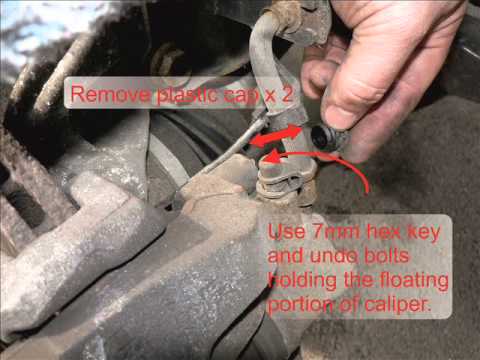
Vauxhall Vectra
(2002-2008 /
Vectra C, MK 3)
Remove the plastic covers from the wheel bolts and unscrew the nuts. Lift the vehicle and remove the brake caliper by taking off the two spring clips…
Vauxhall Vectra
(2002-2008 /
Vectra C, MK 3)
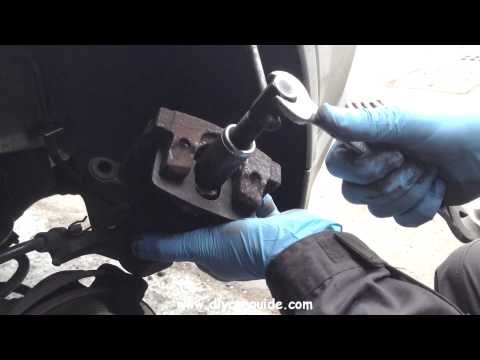
Remove the plastic covers from the wheel bolts and unscrew the nuts. Lift the vehicle and detach the brake caliper by removing the two spring clips w…
Vauxhall Vectra
(1995-2002 /
Vectra B, MK 2)
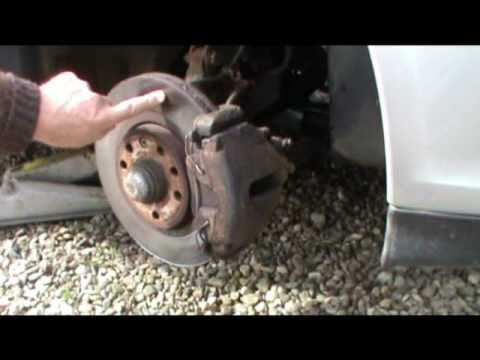
Necessary tools for the operation include: torque wrench, ratchet wrench, Allen key, hammer, wire brush, and pliers. Remove the retaining springs fro…
Other guides you may be interested in
|
How to reset the Service light on a 2019 Jeep Renegade?
The Service light, depicted as a yellow spanner, illuminates as scheduled to remind the driver that it is time for scheduled maintenance. This means that the set mileage has been reached, or the expected time has passed. The procedure involves turning on the instrument cluster, pressing the accelerator three times, and then turning off the ignition. After this, keep the brake pressed, turn the ignition back on, and then turn it off again. Upon the next ignition, you will notice that the light has been reset. by ScegliAuto More videos
|
|
For advertising on this site Write to info@scegliauto.com
ScegliAuto is not responsible for any inaccuracy of the data in the lists. To report any inaccuracy or your business (if you own the business in question), please write to info@scegliauto.com
Number of seconds to generate the page: 0.112
(c) ScegliAuto 2026 - info@scegliauto.com - Privacy policy VAT number: IT01247470535 |
