
|
Do it yourself
| |||
| ||||


How to Replace the Key Battery on an Opel Mokka
Model: Vauxhall Mokka
Mokka A
- Years 2012-2019
This guide shows how to replace the battery in the remote/key of an Opel Mokka. For the remote with a flip key, refer to the side with the Opel logo and gently remove the cover using your hands. For the remote with a fixed key, you need to split the case into two parts. Use a craft knife to carefully open the side slot of the remote. Now you can extract the battery, and once replaced, close the case ensuring the two parts are securely fitted together. Always check the specifications of the button battery before replacement.
Updated on 31 May 2026 by ScegliAuto
Video tutorial
Related tutorials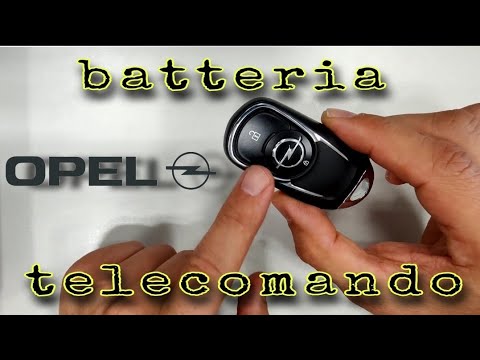
Vauxhall Mokka
(2012-2019 /
Mokka A)
In this video tutorial, you can see how to replace the key battery of the Opel Mokka by following a few simple steps that will guide you towards prop…
Vauxhall Mokka
(2012-2019 /
Mokka A)
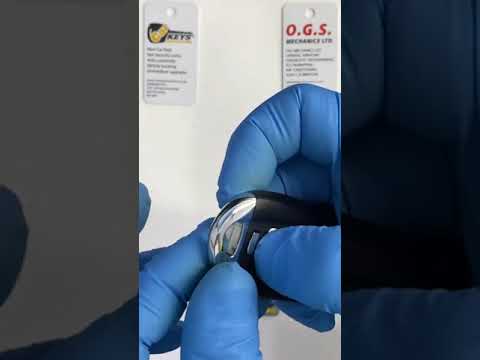
Start by pressing the button located on the back of your Opel Mokka's key fob. Next, extract the physical emergency key and use a flathead screwdrive…
Vauxhall Mokka
(2012-2019 /
Mokka A)
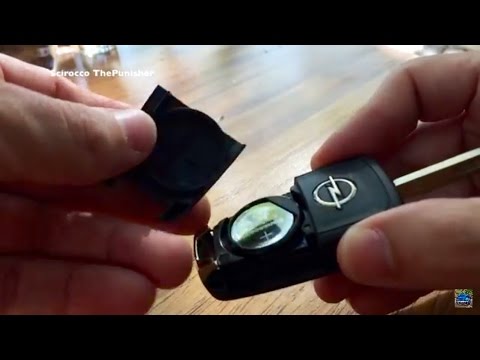
To replace the key remote battery on an Opel Mokka, follow these steps: take the remote and press the button to release the metal key. Once the metal…
Other guides you may be interested in
|
How to Reset the Central Locking of the Volkswagen Golf 4?
If the central locking system of the Volkswagen Golf 4 is not working, it is likely necessary to reset the system: to do this, open the driver's door and detach the side panel of the dashboard next to the steering wheel. Under this panel, you will find the fuses, including the one for the central locking, which is indicated in the manual as number 14. To reset the system, remove this fuse from its housing, then reinsert it or replace it with a new one of the same amperage: this will reset the central locking system. by ScegliAuto More videos
|
For advertising on this site Write to info@scegliauto.com
ScegliAuto is not responsible for any inaccuracy of the data in the lists. To report any inaccuracy or your business (if you own the business in question), please write to info@scegliauto.com
Number of seconds to generate the page: 0.632
(c) ScegliAuto 2026 - info@scegliauto.com - Privacy policy VAT number: IT01247470535 |
