
|
Do it yourself
| |||
| ||||


Camshaft Oil Seal Replacement
Model: Vauxhall Astra
Astra G
- Years:
1998, 1999, 2000, 2001, 2002, 2003, 2004, 2005, 2006
Video tutorial
To replace the camshaft oil seal, you need to remove the timing pulley and then the timing belt: when replacing this oil seal, consider whether to also replace the timing kit; once the timing belt and the pulley attached to the camshaft are removed, extract the old oil seal and clean the corresponding seat thoroughly; lubricate both the new oil seal and the seat with clean oil and insert it with the lip facing inwards, pressing it in until it is fully seated with the appropriate tool; install the timing pulley, align the timing marks, and install the timing belt.
Updated on 16 February 2026 by ScegliAuto
Related tutorials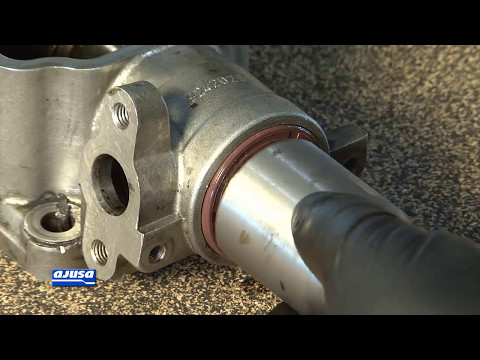
Vauxhall Astra
(1998-2006 /
Astra G)
When assembling an engine, it is always advisable to use a new set of gaskets and oil seals, as you cannot be certain that the original seals are int…
Vauxhall Astra
(1998-2006 /
Astra G)
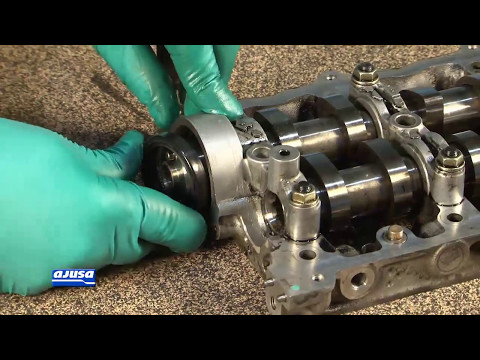
Whenever you disassemble a mechanical component that has an oil seal or gasket, it is good practice to replace it during reassembly. Before inserting…
Vauxhall Astra
(1998-2006 /
Astra G)
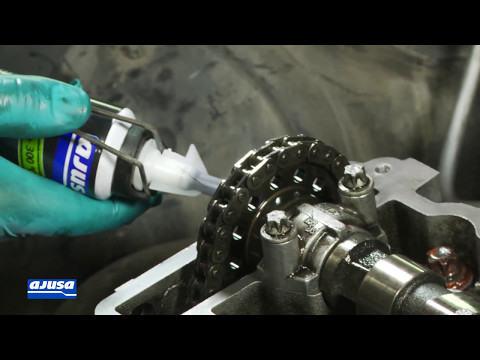
The perfect sealing of the rocker cover gasket, which covers the camshaft that controls the intake and exhaust valves, is absolutely essential: any l…
Other guides you may be interested in
|
How to Reset the Tyre Light on a Toyota Aygo?
To reset the tyre light on a Toyota Aygo, start by locating the reset button, which is found in the glove compartment of the front passenger side. Turn on the car and ensure that the tyres are at the correct pressure. Then, press and hold the reset button for a few seconds until the tyre light either flashes or turns off, depending on the model. Release the button and wait for the reset procedure to complete. Restart your Toyota Aygo and check if the tyre light has turned off, indicating that the reset was successful. by ScegliAuto More videos
|
|
For advertising on this site Write to info@scegliauto.com
ScegliAuto is not responsible for any inaccuracy of the data in the lists. To report any inaccuracy or your business (if you own the business in question), please write to info@scegliauto.com
Number of seconds to generate the page: 0.036
(c) ScegliAuto 2026 - info@scegliauto.com - Privacy policy VAT number: IT01247470535 |
