
|
Do it yourself
| |||
| ||||


How to Restore Dashboard Lighting
Model: Vauxhall Corsa
Corsa B
- Years 1993-2000
First, remove the plastic cover behind the steering wheel by unscrewing the three screws indicated in the video beneath the steering wheel. Then, turn the steering wheel fully to the right, then to the left, to unclip the plastic around the steering wheel. Now, unscrew the three screws holding the speedometer bezel; after removing it, unscrew the last screws as shown in the video, and at this point, you can remove the instrument cluster. The guide shows with red arrows which bulbs to replace that illuminate the speedometer, tachometer, coolant temperature gauge, and fuel level indicator.
Updated on 2 February 2026 by ScegliAuto
Video tutorial
Related tutorials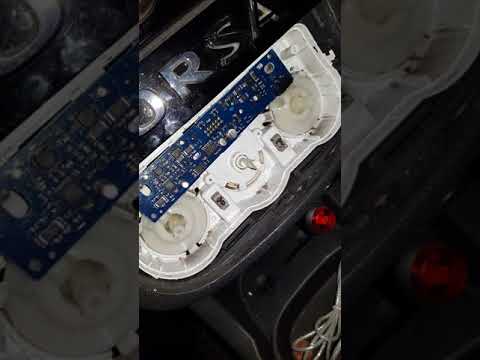
Vauxhall Corsa
(2006-2014 /
Corsa D)
How do you change the bulbs or LEDs for the air conditioning control knobs on an Opel Corsa? Follow this guide to proceed. Remove the dashboard trim …
Vauxhall Corsa
(2006-2014 /
Corsa D)
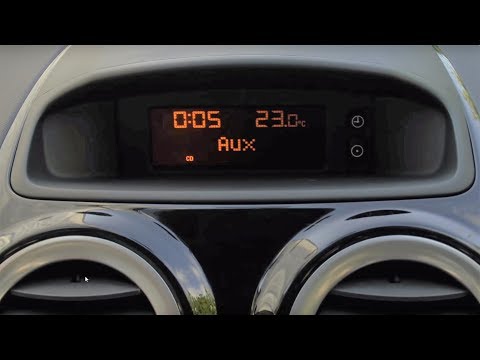
How to remove the on-board computer from the dashboard of an Opel Corsa? Watch this video carefully to see how to perform the removal. Using a plasti…

Vauxhall Corsa
(2006-2014 /
Corsa D)
This video shows how to reset the INSP 2 warning light on the Opel Corsa D, when the car is serviced but the light remains on. To reset the inspectio…
Other guides you may be interested in
|
How to Reset the Central Locking of the Volkswagen Golf 4?
If the central locking system of the Volkswagen Golf 4 is not working, it is likely necessary to reset the system: to do this, open the driver's door and detach the side panel of the dashboard next to the steering wheel. Under this panel, you will find the fuses, including the one for the central locking, which is indicated in the manual as number 14. To reset the system, remove this fuse from its housing, then reinsert it or replace it with a new one of the same amperage: this will reset the central locking system. by ScegliAuto More videos
|
|
For advertising on this site Write to info@scegliauto.com
ScegliAuto is not responsible for any inaccuracy of the data in the lists. To report any inaccuracy or your business (if you own the business in question), please write to info@scegliauto.com
Number of seconds to generate the page: 0.190
(c) ScegliAuto 2026 - info@scegliauto.com - Privacy policy VAT number: IT01247470535 |
