
|
Do it yourself
| |||
| ||||


How to reset the tire pressure warning light in the Opel Astra?
Model: Vauxhall Astra
Astra K
- Years 2015-2022
In this tutorial, we can see how to reset the tire warning light in the Opel Astra, a procedure that should only be done after restoring the correct pressure to each tire. To do this, we will need the special tool shown in the video, easily available online. We begin by turning on the instrument panel, then removing any notifications on the display and holding down the "OK" button on the steering wheel. Once we hear a honk, we go outside the car, place the device in front of the left front valve, and activate it. We then move on to the next tire indicated by the direction indicator.
Posted on 3 April 2023 by ScegliAuto
Video tutorial
Related tutorials
Vauxhall Astra
(2015-2022 /
Astra K)
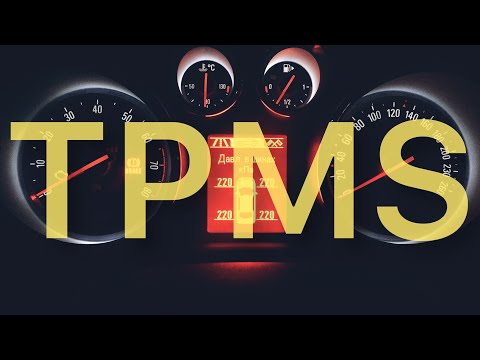
Today's information will illustrate the process of resetting the tire pressure monitoring system (TPMS) light on the Opel Astra; before performing th…
Vauxhall Astra
(2009-2016 /
Astra J)
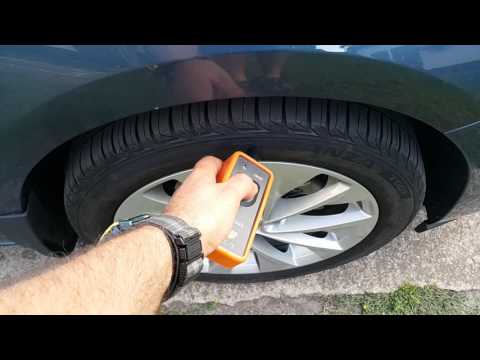
In order to reset the Opel Astra tire pressure warning light, the flat tires must be brought back to the recommended inflation pressure. The correct …
Vauxhall Astra
(2015-2022 /
Astra K)
In this tutorial, we can see how to reset the tire pressure light in the Opel Astra, a very simple and quick operation. To do this, we will need the …
Other guides you may be interested in
|
How to Replace the Timing Belt on a Volkswagen Golf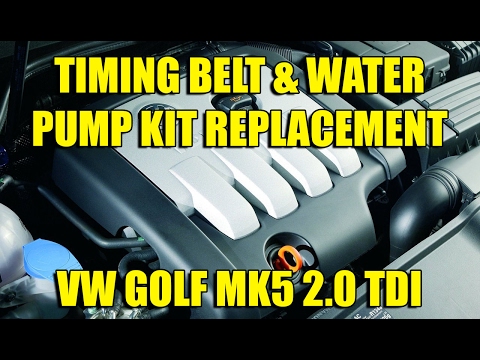
To perform this simple operation, first lift the bonnet. Then, remove the upper engine cover and the plastic side cover that protects the timing belt. To create more space for the job, you can remove components next to the engine, such as the coolant reservoir, the windscreen washer pipe, and the fuel filter. This will allow you to remove the lower engine cover and the right wheel for better access to the area where you will be working. Now, relieve the tension from the tensioner pulley and remove the belt for replacement. by ScegliAuto More videos
|

|
For advertising on this site Write to info@scegliauto.com
ScegliAuto is not responsible for any inaccuracy of the data in the lists. To report any inaccuracy or your business (if you own the business in question), please write to info@scegliauto.com
Number of seconds to generate the page: 0.073
(c) ScegliAuto 2026 - info@scegliauto.com - Privacy policy VAT number: IT01247470535 |
