
|
Do it yourself
| |||
| ||||


How do you set the clock in the Opel Adam?
Model: Vauxhall Adam
MK 1
- Years 2013-2019
To set the clock on the Opel Adam, you need to turn on the instrument panel so that the display in the center of the dashboard can be turned on. Then, press the CONFIG button on the panel and rotate the right knob to select "Time Date". Press the knob again to modify the hours and minutes by rotating the knob accordingly. Once the modification is complete, you can return to the initial screen to verify that everything is working correctly.
Posted on 7 April 2023 by ScegliAuto
Video tutorial
Related tutorials
Vauxhall Adam
(2013-2019 /
MK 1)
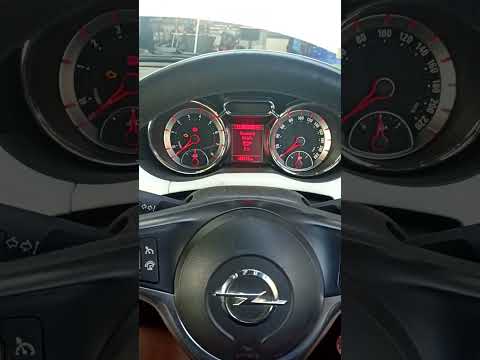
Today we will explain how to reset the maintenance light on the Opel Adam. This operation can be done independently, after performing the maintenance…
Vauxhall Adam
(2013-2019 /
MK 1)
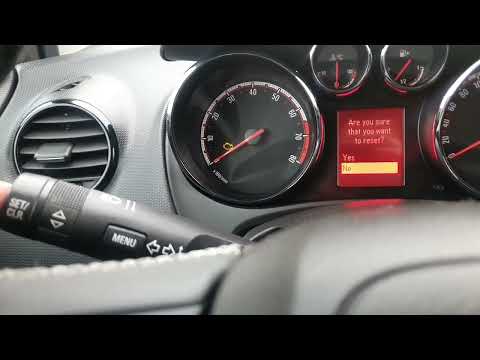
To manually reset the maintenance light on your Opel Adam, it only takes a few seconds, and with the following instructions, you will be able to comp…
Vauxhall Adam
(2013-2019 /
MK 1)
In this tutorial, we can see how to reset the service in the Opel Adam, an extremely simple and quick operation, to be carried out only once all sche…
Other guides you may be interested in
|
How to Remove an EGR Valve from a Land Rover Freelander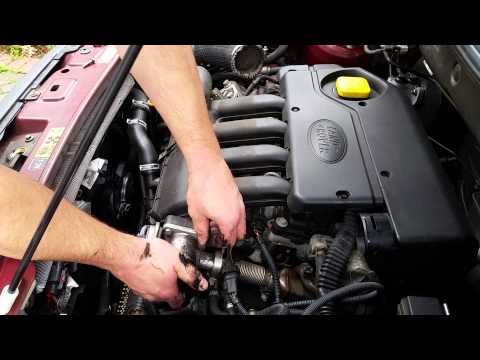
This video shows how to remove an EGR valve from a Land Rover Freelander. Lift the bonnet and secure it, then use a screwdriver to unscrew the locking pins of the ventilation pipe, removing the piece from the engine bay. Start unscrewing the fixing pins of the EGR valve as shown in the video. Once the piece is removed from its seat, unscrew the screws present on it with a screwdriver. Disconnect the power connectors from the valve, and remove it from the engine bay. Once the piece is removed, install the new EGR valve in the engine bay with the associated parts. Finally, reassemble the ventilation pipe in the engine bay after cleaning it of any dirt and deposits. by ScegliAuto More videos
|

|
For advertising on this site Write to info@scegliauto.com
ScegliAuto is not responsible for any inaccuracy of the data in the lists. To report any inaccuracy or your business (if you own the business in question), please write to info@scegliauto.com
Number of seconds to generate the page: 0.088
(c) ScegliAuto 2026 - info@scegliauto.com - Privacy policy VAT number: IT01247470535 |
