
|
Do it yourself
| |||
| ||||


How to Reset the Service Light of the Opel Astra J
Model: Vauxhall Astra
Astra J
- Years 2009-2016
If you want to manually reset the service light that stays on the dashboard of your Opel Astra J (2009-2016), you just need to carefully read the following guide and follow all the various steps described. First, insert the key and turn on the instrument panel. Once done, press the "menu" button located on the left stalk of the steering wheel and use the knob next to it to navigate within it. Then locate the "Remaining oil life" option and finally press the "Set/CLR" button to select and confirm the reset of the light in question.
Updated on 31 July 2026 by ScegliAuto
Video tutorial
Related tutorials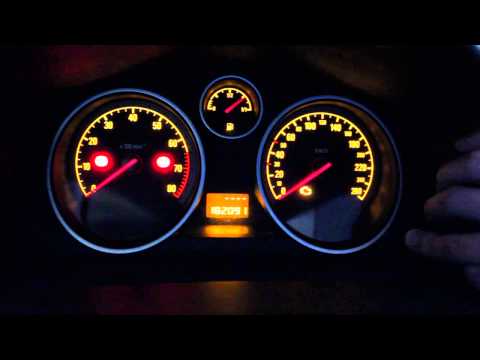
Vauxhall Astra
(2004-2010 /
Astra H)
To reset the Service light on the Opel Astra, press and hold the button located on the right side of the instrument panel while it is off. Continue h…

Vauxhall Astra
(2009-2016 /
Astra J)
In this new mini guide of ours, we will discover together how to correctly perform the manual reset of the service light of your Opel Astra J (year 2…
Vauxhall Astra
(2004-2010 /
Astra H)
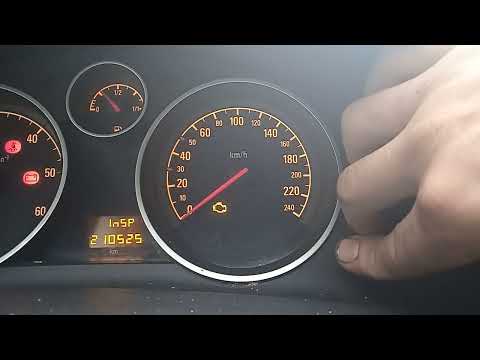
Resetting the service light on an Opel Astra H model produced from 2004 to 2010 is easier than ever with our guide. The first step is to turn on the …
Other guides you may be interested in
|
Where is the Fuel Filter Located in a Volvo XC60?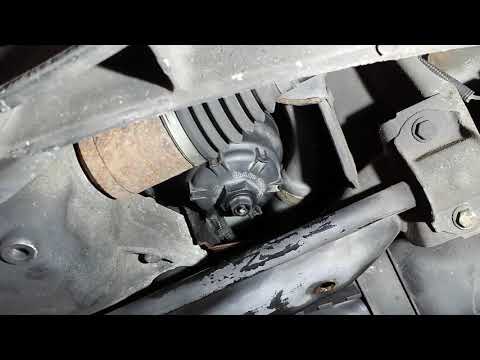
In this video, you will see where the fuel filter is located in a Volvo XC60 and how to proceed if you need to replace it. As shown, the filter is positioned at the lower part of the engine, right between the left half-shaft and the sway bar attachment. To replace the filter, first, go underneath the vehicle, taking all necessary safety precautions. Then, using an 18mm wrench, open the drain valve and allow any water present to escape. Next, unscrew the housing, remove the old filter, insert the replacement along with a new gasket, and reassemble everything. by ScegliAuto More videos
|

|
For advertising on this site Write to info@scegliauto.com
ScegliAuto is not responsible for any inaccuracy of the data in the lists. To report any inaccuracy or your business (if you own the business in question), please write to info@scegliauto.com
Number of seconds to generate the page: 0.133
(c) ScegliAuto 2026 - info@scegliauto.com - Privacy policy VAT number: IT01247470535 |
