
|
Do it yourself
| |||
| ||||


How to replace the remote control cover on the Opel Astra?
Model: Vauxhall Astra
Astra H
- Years 2004-2010
As seen in this tutorial, replacing the remote control cover on the Opel Astra is an extremely simple and quick operation. To do this, you will need the correct replacement and a flathead screwdriver. First, extend the emergency key using the designated button, then open the battery compartment and remove the battery. Next, pry along the side slot, unlock the two halves of the remote control, and separate both the key and the internal circuit. At this point, simply transfer everything into the new cover and stick on the Opel logo.
Updated on 10 August 2026 by ScegliAuto
Video tutorial
Related tutorials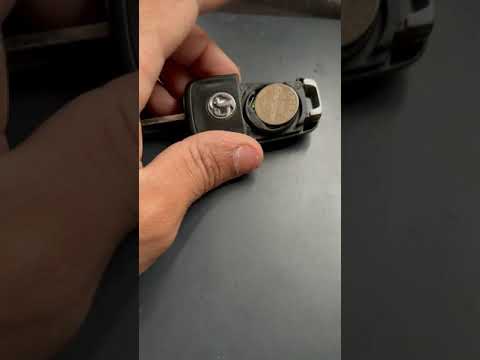
Vauxhall Astra
(2004-2010 /
Astra H)
To replace the remote battery of the Opel Astra, press the button that allows you to lift the key blade. This will enable you to lever the cover off …
Vauxhall Astra
(2009-2016 /
Astra J)
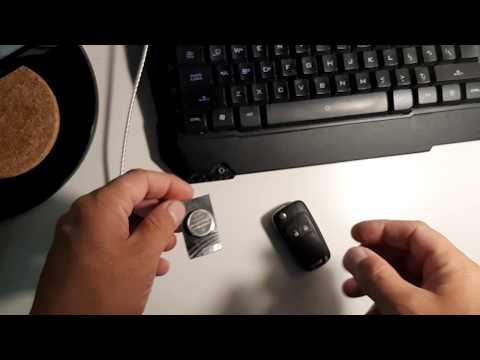
To replace the remote battery of the Opel Astra J, press the button at the top of the remote to lift the key and access its housing. Pry it open to l…
Vauxhall Astra
(2009-2016 /
Astra J)
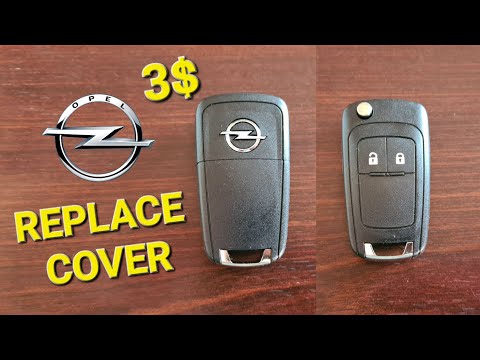
To change the button battery inside the remote of your Opel Astra J (2009-2016), follow the steps outlined in this mini guide. First, take the remote…
Other guides you may be interested in
|
Frequently Asked QuestionsHow to reset the tyre pressure warning light on the Suzuki Jimny?
To reset the tyre pressure warning light on the Suzuki Jimny, first inflate the tyres to the pressure value indicated on the corresponding sticker: this is located at the bottom of the driver's door pillar. Once the tyres are inflated, insert the ignition key and turn on the instrument panel: select the screen that indicates the tyre pressures, checking that the values change. After a few seconds, the tyre pressure warning light will automatically turn off. by ScegliAuto More videos
|
|
For advertising on this site Write to info@scegliauto.com
ScegliAuto is not responsible for any inaccuracy of the data in the lists. To report any inaccuracy or your business (if you own the business in question), please write to info@scegliauto.com
Number of seconds to generate the page: 0.386
(c) ScegliAuto 2026 - info@scegliauto.com - Privacy policy VAT number: IT01247470535 |
