
|
Do it yourself
| |||
| ||||


How to Change the i-Toggles on a Peugeot 308
Model: Peugeot 308
P5, MK 3
- Years 2021-2026
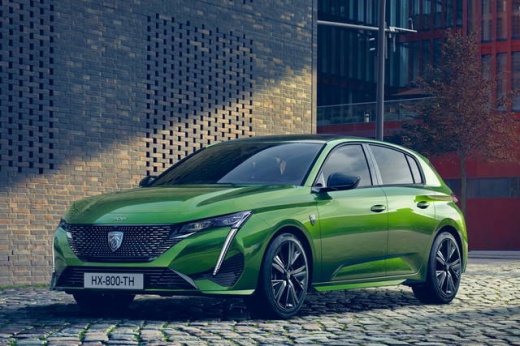
First, let's clarify what the "i-toggles" are; they are the row of physical "smart (or shortcut) buttons located below the main touchscreen of the Peugeot 308. Unlike normal buttons, they do not have a fixed function but are programmable and act as shortcuts for the most commonly used functions. For example, you can assign them functions for the climate control menu, heated seat activation, navigation screen, settings menu, radio or media, or phone: the procedure is as follows: press and hold the i-toggle button you want to customise; a grid of icons will appear on the main screen; touch and drag the icon of the desired function over the physical button you are holding. The customisation is immediate.
Posted on 9 February 2026 by ScegliAuto
Video tutorial
Related tutorials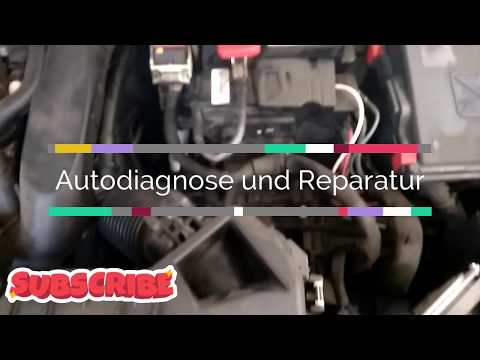
Peugeot 308
(2007-2014 /
T7, MK 1)
Need to change the battery on a Peugeot 308? Remove the battery if it is damaged. Open the car door and pull up the lever to open the engine compartm…
Peugeot 308
(2007-2014 /
T7, MK 1)
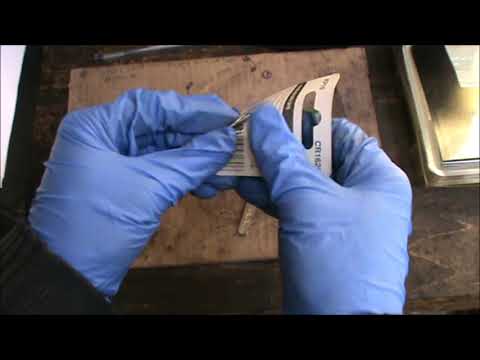
Want to change the battery in your Peugeot key? Let’s see how to change the key battery on a Peugeot 308. Take your remote key and, using a screwdriv…

Peugeot 308
(2021-2026 /
P5, MK 3)
Following these simple steps, we will see how to change the time on the Peugeot 308. First of all, get into the car and start the instrument panel; t…
Other guides you may be interested in
|
How to Open a Stuck Boot on the Peugeot 407?
On the Peugeot 407, the boot may become stuck, possibly due to a problem with the control button or the lock actuator. In such cases, you can perform an emergency opening by following the simple procedure shown in this tutorial. First, open the rear doors, then lower the seat back by operating the release lever. Next, go inside the boot, locate the lock, and manually operate it using a flathead screwdriver. The boot will then be free to open. by ScegliAuto More videos
|
|
For advertising on this site Write to info@scegliauto.com
ScegliAuto is not responsible for any inaccuracy of the data in the lists. To report any inaccuracy or your business (if you own the business in question), please write to info@scegliauto.com
Number of seconds to generate the page: 0.068
(c) ScegliAuto 2026 - info@scegliauto.com - Privacy policy VAT number: IT01247470535 |
