
|
Do it yourself
| |||
| ||||


How to Reset the Oil Change Light on a Peugeot 308 HDi
Model: Peugeot 308
T7, MK 1
- Years 2007-2014
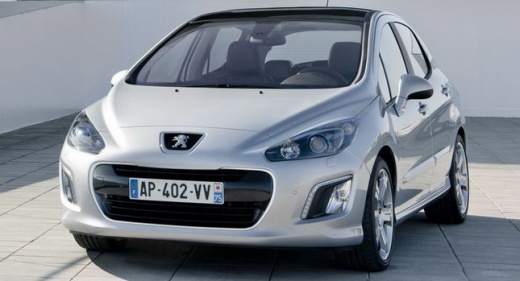
In this guide, you will learn how to reset the oil change light for the Peugeot 308. The model examined in the video features a turbo-diesel HDi engine, but this does not create any variation or complication for the petrol versions of the 308. To perform this procedure, follow these steps: 1. If already on, turn off the instrument panel and press the button with three zeros on the right, located near the odometer; 2. Keep this button pressed for about 10 seconds, following the countdown shown on the display; 3. While holding the button, reactivate the instrument panel and wait for the reset to complete.
Updated on 18 July 2026 by ScegliAuto
Video tutorial
Related tutorials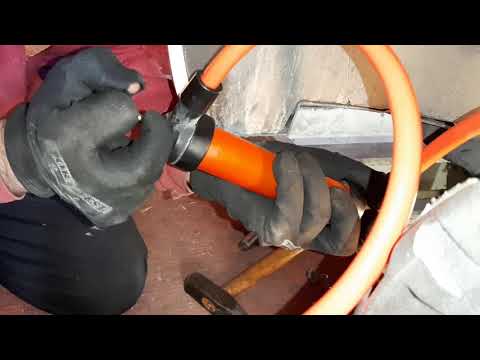
Peugeot 308
(2013-2021 /
T9, MK 2)
In this brief guide, you will learn how to change the transmission oil of the second series Peugeot 208 with a 1.6 HDI engine. First, lift the vehicl…

Peugeot 308
(2007-2014 /
T7, MK 1)
Doing a DIY service on your Peugeot 308 1.6 HDi is feasible with a bit of patience and the right tools. First thing: car on flat ground, hood open. D…

Peugeot 308
(2007-2014 /
T7, MK 1)
The following steps will show us how to proceed with the disassembly and replacement of the alternator of the Peugeot 308 1.6 HDI. First of all, we o…
Other guides you may be interested in
|
How to reset the tyre pressure warning light on the Dacia Sandero?
To reset the tyre pressure warning light on the Dacia Sandero, inflate all the tyres to the pressure indicated on the label on the driver's door. Once the tyres are inflated, turn on the ignition and navigate through the menu using the controls on the right side of the steering wheel. Scroll with the arrows to find the tyre pressure option: by holding down the OK button located on the right side of the steering wheel, you can reset the warning light. by ScegliAuto More videos
|
|
For advertising on this site Write to info@scegliauto.com
ScegliAuto is not responsible for any inaccuracy of the data in the lists. To report any inaccuracy or your business (if you own the business in question), please write to info@scegliauto.com
Number of seconds to generate the page: 0.259
(c) ScegliAuto 2026 - info@scegliauto.com - Privacy policy VAT number: IT01247470535 |
