
|
Do it yourself
| |||
| ||||



How to Update the Firmware of the Peugeot 308
Model: Peugeot 308
P5, MK 3
- Years:
2021, 2022, 2023, 2024, 2025, 2026
Video tutorial
In this video, you will learn how to update the firmware of the Peugeot 308, as well as the Citroen XC4; the procedure is identical: first, you need to determine which version is installed on your vehicle. Press the button in the top right, and the system will display the installed version. To perform the update, you will need a USB flash drive with at least 2 GB capacity; the drive must be formatted to FAT32, with standard cluster size and quick format. Download the firmware file from the Peugeot website and extract it to a folder, then copy the smac plus folder to your USB flash drive. Go to the car and turn on the ignition (remember to turn off the start & stop option). It will take about 25 minutes to update the system, during which you can drive normally, just do not turn off the engine. At the end, a message will appear on the dashboard indicating whether everything went well or if you need to repeat the procedure.
Updated on 20 July 2026 by ScegliAuto
Related tutorials
Peugeot 308
(2013-2021 /
T9, MK 2)
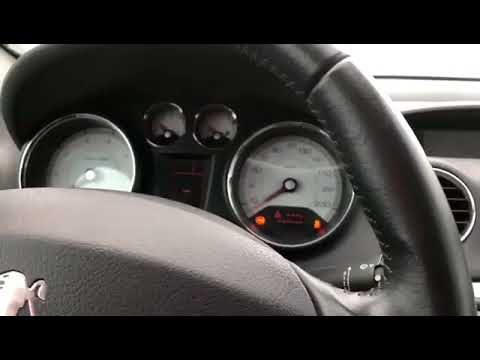
Today, you will learn how to reset the service light on a Peugeot 308. The steps to reset the light are very simple and quick to follow independently…
Peugeot 308
(2007-2014 /
T7, MK 1)
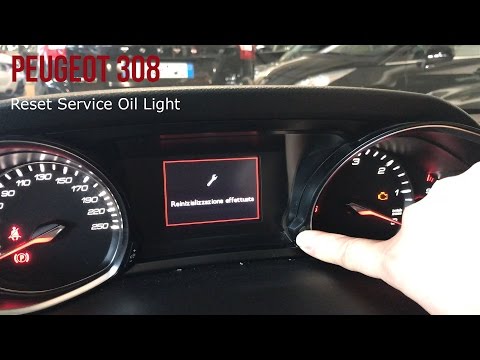
Today's video will show you the necessary instructions for programming the ignition key of the Peugeot 308. First, get inside the vehicle and connect…
Peugeot 308
(2013-2021 /
T9, MK 2)
Before you start, sit in the driver's seat of your Peugeot 308. Press and hold the button located in the bottom right corner of the instrument panel,…
Other guides you may be interested in
|
How to Open the Bonnet on the Mitsubishi L200?
In this tutorial, you will see how to open the bonnet on the Mitsubishi L200, a very simple operation that follows the standard procedure. First, open the vehicle and go to the driver's side, then locate the lever at the lower outer area, just in front of the pedals, and pull it. Next, position yourself in front of the bonnet, locate the second lever above the Mitsubishi logo, and push it to the right, releasing the latch. At this point, you can fully lift the bonnet and secure it with the prop rod. by ScegliAuto More videos
|
|
For advertising on this site Write to info@scegliauto.com
ScegliAuto is not responsible for any inaccuracy of the data in the lists. To report any inaccuracy or your business (if you own the business in question), please write to info@scegliauto.com
Number of seconds to generate the page: 0.026
(c) ScegliAuto 2026 - info@scegliauto.com - Privacy policy VAT number: IT01247470535 |
