
|
Do it yourself
| |||
| ||||


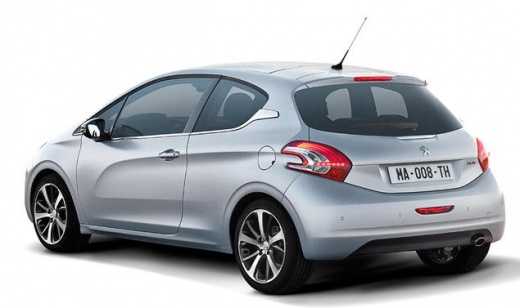
How to Permanently Disable Start & Stop on the Peugeot 208
Model: Peugeot 208
MK 1, A9
- Years:
2012, 2013, 2014, 2015, 2016, 2017, 2018, 2019
Video tutorial
This video shows how to permanently disable the Start & Stop function on the Peugeot 208. By disabling it via the button, every time you switch off and restart the vehicle, you have to decide whether to keep this function active or disable it. This video teaches you how to eliminate it completely, even though it is a somewhat unnecessary practice. On the left side of the dashboard, there is a temporary deactivation button. If you remove the cover, you can create a bridge with an electrical wire (a telephone wire of the same gauge will also work) from the grey wire to the green/yellow wire, bending it back on itself to fit it into the connector. This way, the button will be permanently disabled.
Updated on 13 August 2026 by ScegliAuto
Related tutorials
Peugeot 208
(2019-2026 /
UP, UW, UB, UJ, MK 2)
Today, we will go through the main instructions to permanently disable Start&Stop on the Peugeot 208, as well as the 2008. First, get inside the vehi…

Peugeot 208
(2012-2019 /
MK 1, A9)
Here, for all those interested, is a support video guide to understand how to deactivate the Start and Stop function in the Peugeot 208. Although thi…

Peugeot 208
(2019-2026 /
UP, UW, UB, UJ, MK 2)
In this tutorial, we can see how to deactivate the Start & Stop feature in the Peugeot 208, a very simple and quick operation to be carried out, for …
Other guides you may be interested in |
How to reset the tyre pressure warning light on the Kia Niro EV?
To reset the tyre pressure warning light on the Kia Niro EV, inflate the tyres until they reach the correct pressure value. This value is indicated on the sticker attached to the driver's door pillar. Once the tyres are inflated, turn on the instrument cluster to check that the warning light has completely disappeared from the display. If it is still present, you may need to drive for a few miles to ensure it disappears completely from the screen. by ScegliAuto More videos
|
|
For advertising on this site Write to info@scegliauto.com
ScegliAuto is not responsible for any inaccuracy of the data in the lists. To report any inaccuracy or your business (if you own the business in question), please write to info@scegliauto.com
Number of seconds to generate the page: 0.021
(c) ScegliAuto 2026 - info@scegliauto.com - Privacy policy VAT number: IT01247470535 |
