
|
Do it yourself
| |||
| ||||



How to reset the "Service" light on a Porsche Cayenne?
Model: Porsche Cayenne
MK 3
- Years:
2017, 2018, 2019, 2020, 2021, 2022, 2023, 2024, 2025, 2026
Video tutorial
To reset the "Service" light on a Porsche Cayenne, start by turning on the instrument panel without starting the engine. Using the buttons on the steering wheel, access the onboard computer menu. Navigate through the various options until you reach the section dedicated to maintenance or service intervals. Once inside the maintenance menu, select the option to reset the service intervals. At this point, you will be prompted to confirm the operation. Press and hold the confirmation button on the steering wheel until you receive a notification on the screen indicating the completion of the reset. When the process is complete, the "Service" light will turn off, indicating that the new maintenance interval has been properly recorded. After completing the reset, you can turn off and on the instrument panel to ensure that the light has been deactivated. If the procedure does not work on the first attempt, repeat the steps carefully, making sure you have followed each step correctly.
Posted on 14 April 2025 by ScegliAuto
Related tutorials
Porsche Cayenne
(2017-2026 /
MK 3)
There is no difference from other vehicles; the Porsche Cayenne also has a service light to alert us of the upcoming maintenance service, which inclu…
Porsche Cayenne
(2003-2010 /
MK 1)
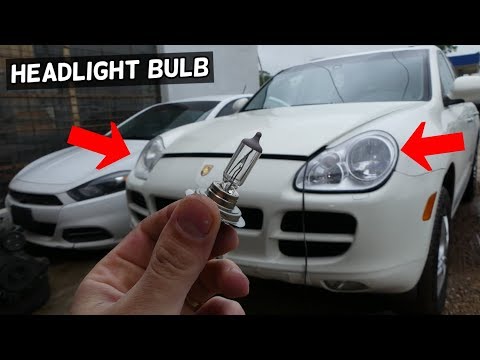
Before starting, open the hood of your Porsche Cayenne. Begin by prying off and removing the bolt cover that secures the headlight to the frame. Next…

Porsche Cayenne
(2017-2026 /
MK 3)
In this video we can see how to reset the TPMS light on Porsche Cayenne from 2018 onwards, specifically those equipped with a touchscreen multimedia …
Other guides you may be interested in
|
How to Disable the Safe Lock on a Volkswagen Golf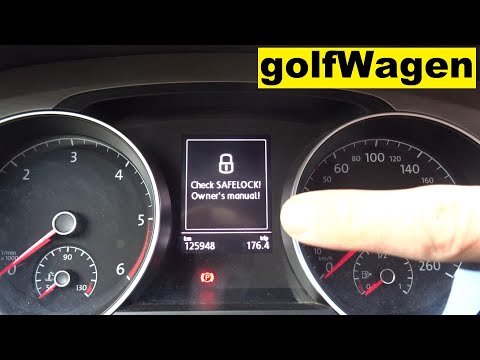
The safe lock is an anti-theft system that prevents thieves from accessing the vehicle. This device locks the doors, both externally and internally, when the driver activates the central locking remote after leaving the vehicle. To disable it permanently, you need to use a diagnostic program like VCDS, which connects to the vehicle via the OBDII port. Wait for the connection and recognition of the control unit, then select the locks present and locate the safe lock to disable it. The job will then be complete. by ScegliAuto More videos
|
|
For advertising on this site Write to info@scegliauto.com
ScegliAuto is not responsible for any inaccuracy of the data in the lists. To report any inaccuracy or your business (if you own the business in question), please write to info@scegliauto.com
Number of seconds to generate the page: 0.037
(c) ScegliAuto 2026 - info@scegliauto.com - Privacy policy VAT number: IT01247470535 |
