
|
Do it yourself
| |||
| ||||


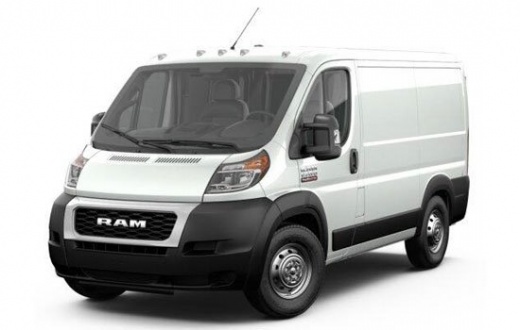
How to Reset the Service Light on a RAM Promaster?
Model: RAM Promaster
MK 1
- Years 2014-2022
You can completely clear the Service light displayed on the dashboard of the RAM Promaster by inserting the ignition key into the ignition switch and turning it to activate the dashboard. Once the dashboard is activated, press the accelerator pedal three times in a row. Then, release both pedals and turn the ignition key in the opposite direction to turn off the dashboard. Once it is reactivated, you will notice that the Service light has completely disappeared from the display.
Posted on 3 March 2026 by ScegliAuto
Video tutorial
Related tutorials
RAM Promaster
(2014-2022 /
MK 1)
To reset the Service light that appears on the instrument panel of the RAM Promaster, you need to insert the ignition key into the ignition switch an…

RAM Promaster
(2014-2022 /
MK 1)
You can make the Service light that appears on the dashboard of the RAM Promaster disappear completely by inserting the ignition key into the ignitio…

RAM Promaster
(2014-2022 /
MK 1)
To reset the Service light on the RAM Promaster, you need to insert the ignition key and turn it to start the instrument panel: once the panel is on,…
Other guides you may be interested in
|
How to Replace the Remote Battery for the Volvo XC40?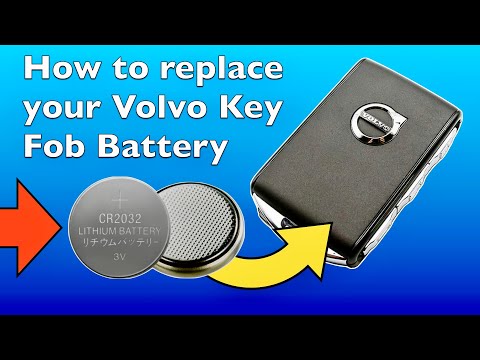
In this tutorial, you will see how to replace the battery in the remote for the Volvo XC40, a very simple and quick operation. For this, you will need a replacement battery of type CR2032 and possibly a small flathead screwdriver. First, remove the front cover by pressing the button on the metal ring, then locate the second button, press it as well, and remove the opposite cover. Next, open the circular cap, take out the old battery, and insert the new one in the opposite direction. Finally, reassemble everything. by ScegliAuto More videos
|
|
For advertising on this site Write to info@scegliauto.com
ScegliAuto is not responsible for any inaccuracy of the data in the lists. To report any inaccuracy or your business (if you own the business in question), please write to info@scegliauto.com
Number of seconds to generate the page: 0.223
(c) ScegliAuto 2026 - info@scegliauto.com - Privacy policy VAT number: IT01247470535 |
