
|
Do it yourself
| |||
| ||||


Removing the Door on a Dodge Ram
Model: RAM 1500
D1, DM, DC, MK 3, DR, DH
- Years:
2002, 2003, 2004, 2005, 2006, 2007, 2008, 2009
Video tutorial
Remove the small plastic piece around the internal lock button. Unscrew the screw behind the handle and detach the handle. Next, unscrew the screw located in the upper plastic near the window, and the three screws in the lower part of the door. Pulling up from the handle, the panel will come off. Disconnect the two connectors. Voila! You're done! As you can see, on this model, removing the door and the panel is much easier and quicker than on most other models. Reassemble everything by reversing the steps.
Updated on 3 May 2026 by ScegliAuto
Related tutorials
RAM 1500
(2009-2019 /
DS, DJ, MK 4)
The fuse layout, or rather the fuse box, of Dodge Ram vehicles, specifically the 2016 Dodge Ram 1500, is an electrical diagram that allows you to eas…
RAM 1500
(2009-2019 /
DS, DJ, MK 4)
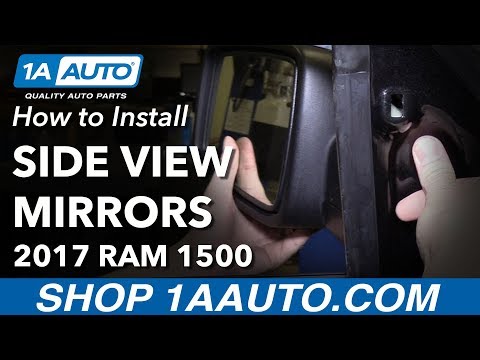
To replace the external side mirror on a Dodge Ram 1500, first remove the triangular plastic cover located near the mirror. Once removed, unscrew the…
RAM 1500
(2002-2009 /
D1, DM, DC, MK 3, DR, DH)
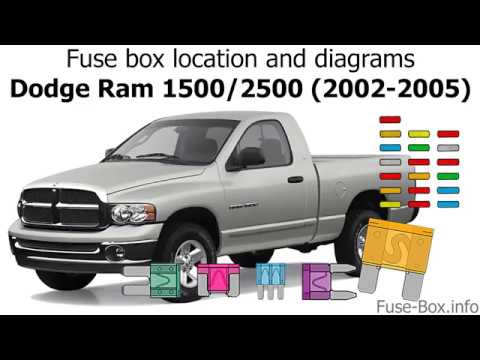
This video shows the location of the fuse boxes in the 2003 Dodge Ram 1500. In addition to the location of the fuse boxes, the video displays the dia…
Other guides you may be interested in |
How to Reset the Tire Pressure Light on a MG ZS?
On the instrument cluster of the MG ZS, the tire pressure light that appears can be reset by inflating the tires to the correct pressure: this value will be indicated on the sticker attached to the driver's door pillar. Once the tires have been properly inflated, you can turn on the instrument cluster and navigate through the menu until you find the option that indicates tire pressure: if this screen shows the new values, the light will turn off; otherwise, you will need to drive for a few miles so that the sensors can read the new values and turn off the light afterward. by ScegliAuto More videos
|
|
For advertising on this site Write to info@scegliauto.com
ScegliAuto is not responsible for any inaccuracy of the data in the lists. To report any inaccuracy or your business (if you own the business in question), please write to info@scegliauto.com
Number of seconds to generate the page: 0.016
(c) ScegliAuto 2026 - info@scegliauto.com - Privacy policy VAT number: IT01247470535 |
