
|
Do it yourself
| |||
| ||||


How to reset the Trip A entry of the Dodge RAM 2500
Model: RAM 2500
DJ, MK 4, D2, DS
- Years 2009-2019
If you want to reset the "Trip A" item relating to the partial kilometers traveled with your Dodge RAM 2500, all you have to do is read the following mini guide carefully and put into practice the various steps described. First, insert the key and turn on the ignition. Then press the button located at the end of the right steering wheel lever several times until "Trip A" appears on the mini display. At this point you just have to keep the same button pressed for a few seconds and release it as soon as the displayed value returns to 0. Finally, turn off the panel.
Posted on 20 February 2022 by ScegliAuto
Video tutorial
Related tutorials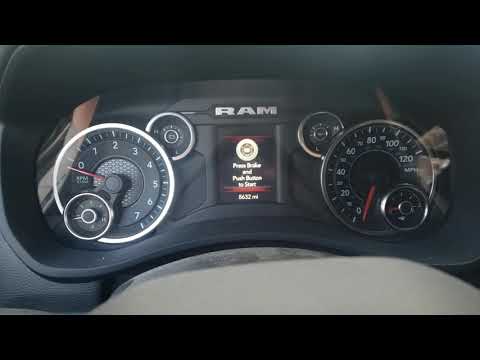
RAM 2500
(2019-2026 /
DT, MK 5)
In this our new mini guide we will explain how to reset the alarm light relating to the oil change in the new Dodge RAM 2500 in a simple and quick wa…
RAM 2500
(1994-2001 /
BR, BE, MK 2)
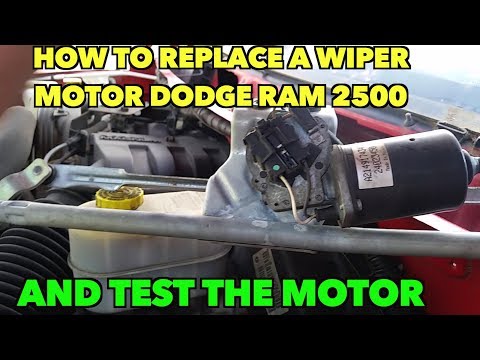
In this video tutorial we will see how to disassemble and replace the wiper motor of the Dodge RAM 2500, following these simple steps. First of all w…
RAM 2500
(2019-2026 /
DT, MK 5)
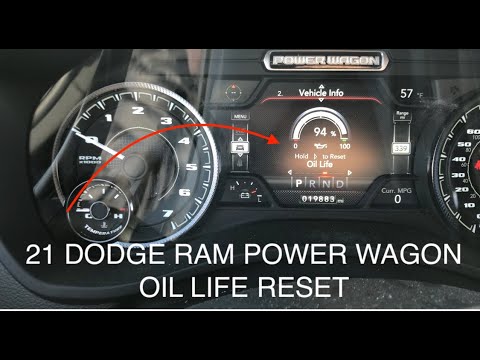
Manually resetting the Dodge RAM 2500 engine oil change light is really very simple and the whole procedure takes a few seconds to complete even if y…
Other guides you may be interested in
|
How to Remove the Center Console on a Mercedes C-Class
Let's see how to remove the center console on a Mercedes C-Class. Use a plastic trim tool to pry off the cover located at the bottom of the center console. Remove the leather shift boot along with its plastic frame. After removing the cover, unscrew the fastening screws located at the top of the center console with a screwdriver. Once this is done, pull the console away and disconnect the power cables for the knob. Finally, insert the new piece into the center console area and reassemble all the components of the glove compartment as you disassembled them earlier. by ScegliAuto More videos
|
|
For advertising on this site Write to info@scegliauto.com
ScegliAuto is not responsible for any inaccuracy of the data in the lists. To report any inaccuracy or your business (if you own the business in question), please write to info@scegliauto.com
Number of seconds to generate the page: 0.103
(c) ScegliAuto 2026 - info@scegliauto.com - Privacy policy VAT number: IT01247470535 |
