
|
Do it yourself
| |||
| ||||


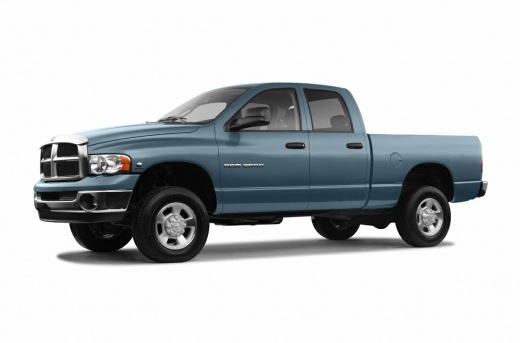
How to Remove the Cabin Ventilation Motor
Model: RAM 2500
D1, MK 3, DR, DH, DC, DM
- Years:
2002, 2003, 2004, 2005, 2006, 2007, 2008, 2009
Video tutorial
The issue in this case, as you can see in the following video, is the presence of debris on the front passenger seat mat. There is a clear suspicion of a possible rodent, and first, remove the fan located on the same side under the dashboard. After disconnecting the power connector of the fan motor and the second connector that controls its speed, proceed with the actual disassembly. Remove all screws and take out the motor. Given the circumstances, it is advisable to thoroughly clean and possibly replace the cabin air filters. Car model: Dodge RAM 2500 Year: 2003
Updated on 11 February 2026 by ScegliAuto
Related tutorials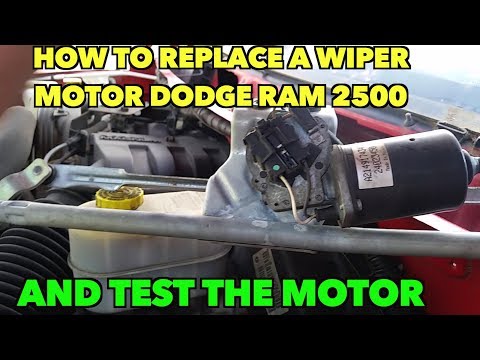
RAM 2500
(1994-2001 /
BE, BR, MK 2)
In this video tutorial, you will learn how to remove and replace the windshield wiper motor of the Dodge RAM 2500 by following these simple steps. Fi…
RAM 2500
(2009-2019 /
MK 4, DJ, DS, D2)
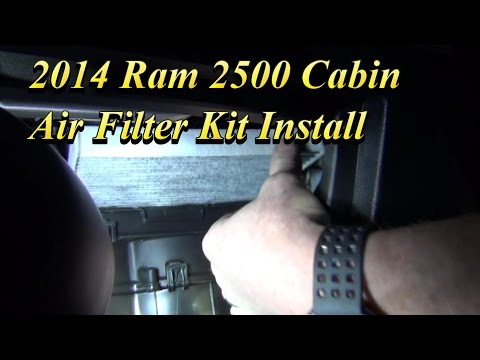
This guide shows you how to remove and replace the cabin air filter on the RAM 2500, following the instructions below. First, remove the glove compar…
RAM 2500
(2009-2019 /
MK 4, DJ, DS, D2)
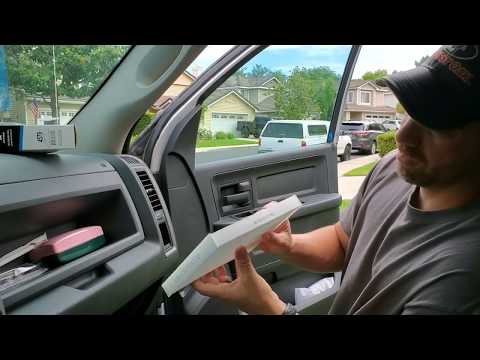
In this tutorial, you will see how to replace the cabin air filter in the RAM 2500 pickup, a very simple and quick operation. Since the filter is loc…
Other guides you may be interested in
|
How to Activate the Automatic Folding and Unfolding of the Wing Mirrors on the Jeep Compass
Follow these brief instructions to activate the automatic folding and unfolding of the external wing mirrors on the Jeep Compass. First, get inside the vehicle and turn on the ignition; then press the button located beneath the mirror glass adjustment to electrically open the mirror, as shown in the video. Pressing the button in the opposite direction will close the mirrors; by holding the button, the mirrors will open and close automatically! by ScegliAuto More videos
|
|
For advertising on this site Write to info@scegliauto.com
ScegliAuto is not responsible for any inaccuracy of the data in the lists. To report any inaccuracy or your business (if you own the business in question), please write to info@scegliauto.com
Number of seconds to generate the page: 0.078
(c) ScegliAuto 2026 - info@scegliauto.com - Privacy policy VAT number: IT01247470535 |
