
|
Do it yourself
| |||
| ||||


How to reset the RAM 1500 oil warning light
Model: RAM 1500
MK 5, DT
- Years 2019-2026
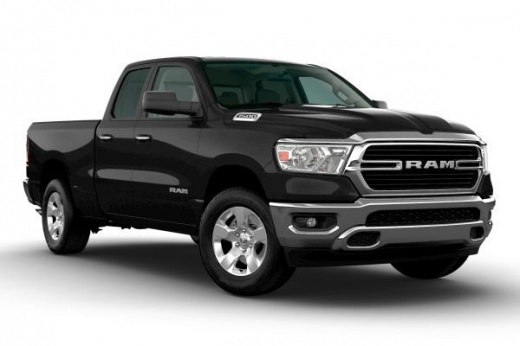
If you've just changed the oil on your new RAM 1500 and don't know how to manually reset its warning light, don't worry. In this new guide, in fact, we will show you a very simple and quick method that will allow you to perform this operation in a few seconds and without any problem. Once inside the cockpit, launch the instrument cluster and use the directional arrow buttons to scroll through the on-board computer menu. Locate the item "Oil life" and immediately after holding down the "OK" button until the reset is completed correctly.
Posted on 20 May 2022 by ScegliAuto
Video tutorial
Related tutorials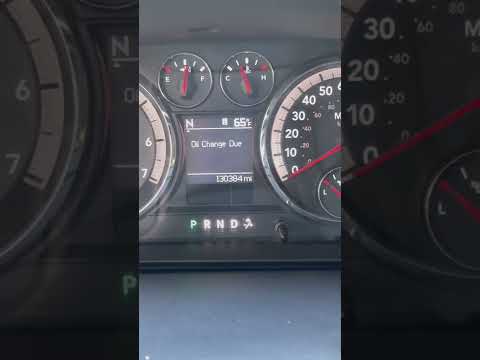
RAM 1500
(2009-2019 /
DS, MK 4, DJ)
If you own a RAM 1500 Mk4 (2011) and are wondering how to manually reset the oil light that appears on the dashboard even after changing the oil and …

RAM 1500
(2009-2019 /
DS, MK 4, DJ)
Today's steps will allow us to reset the service light for the regular maintenance of the engine oil change on the RAM 1500. First, we get into the c…
RAM 1500
(2019-2026 /
MK 5, DT)
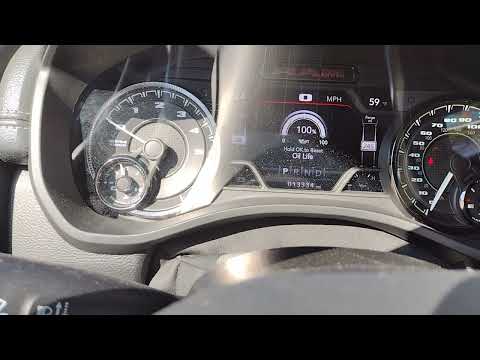
In the following mini guide we will find out how to reset the engine oil warning light in the new Ram 1500 of 2022. First, go inside the cockpit and …
Other guides you may be interested in
|
How to Remove the Stereo from a Hyundai i20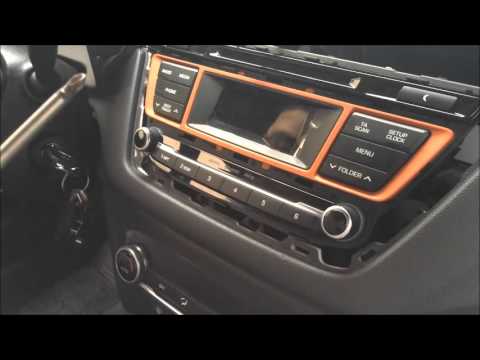
Want to remove the stereo from your Hyundai but don’t know how? In this video, see how to remove the original stereo from your car. First, remove the dashboard cover plastics using a plastic tool, then detach the central frame of the stereo (where the air vents are located) along with the related clips of the control buttons. Once the stereo is free from constraints, unscrew the fastening screws on its sides. Pull the stereo out by hand and disconnect the cables (power and antenna). To reassemble, proceed in reverse. by ScegliAuto More videos
|
|
For advertising on this site Write to info@scegliauto.com
ScegliAuto is not responsible for any inaccuracy of the data in the lists. To report any inaccuracy or your business (if you own the business in question), please write to info@scegliauto.com
Number of seconds to generate the page: 0.047
(c) ScegliAuto 2026 - info@scegliauto.com - Privacy policy VAT number: IT01247470535 |
